The complete course · built on the 858-page textbook
Record. Mix. Master.
Like the pros.
Everything from your first mic placement to your final master — taught in Pro Tools by an engineer with twenty years of Grammy-level credits. Graded quizzes. A final exam. A certificate. One payment, yours for life.
Heard on Netflix · Disney · MTV · ESPN · Showtime
Founder of The OC Recording School · Former Grammy voting member
First edition · the complete course
Stop watching random tutorials.
Start making records.
Everything you need to go pro.
No fluff, no filler — the same curriculum that trained hundreds of working engineers at The OC Recording School.
Sound & Hearing
Frequency, phase, dynamics, and why records sound the way they do.
Microphones
Pick and place the right mic for any source — and know why it works.
Your Room
Acoustics, treatment, and monitoring you can actually trust.
Pro Tools
First launch to final bounce — the DAW the industry runs on.
Recording
Sessions, signal flow, takes, comping, and editing like a pro.
EQ & Compression
Used with intent — not presets you can’t explain.
FX & Depth
Reverb, delay, and modulation that create space, not mud.
Mixing & Mastering
Balance, automation, loudness, and delivery that translates.
The Business + AI
Contracts and royalties by a practicing attorney; AI by a builder.
No other course has this.
A business chapter by a real attorney
Contracts, split sheets, publishing, royalties, sync licensing — written by a licensed California attorney who works in music. With real sample contracts and forms included.
A mentor, not an algorithm
Self-taught over twenty years, then mentored hundreds of students one-on-one at his studio school. This course is that mentorship, written down.
AI from the guy building it
No fear, no hype — the AI chapter is by the creator of StemDesk, an actual AI mixing platform you can use today.
A real record to practice on
The full multitrack session of a released song. Track it, mix it, master it — then A/B against the release.
Graded like real school
Not watch-and-nod. 334 multiple-choice questions graded the instant you answer — with the reasoning shown — then a final exam of 89 questions and a certificate signed by the author.
Every DAW, not just one
Pro Tools taught screen by screen, then every workflow chapter translates the lesson to Logic, Ableton, FL Studio, Studio One, and Reaper. Learn one, speak all five.
Made for the obsessed.
The Artist
Stop paying for studio time you don’t understand. Record yourself — properly — and walk into any session knowing exactly what’s happening to your voice.
The Producer
Your beats deserve mixes that compete. Learn what happens after the beat is done — recording, mixing, and mastering that hold up next to anything on the charts.
The Future Engineer
From bedroom to control room — the complete career path: the craft, the credits, the contracts, and the business, all in one place.
Learn from a working pro. Not a content creator.
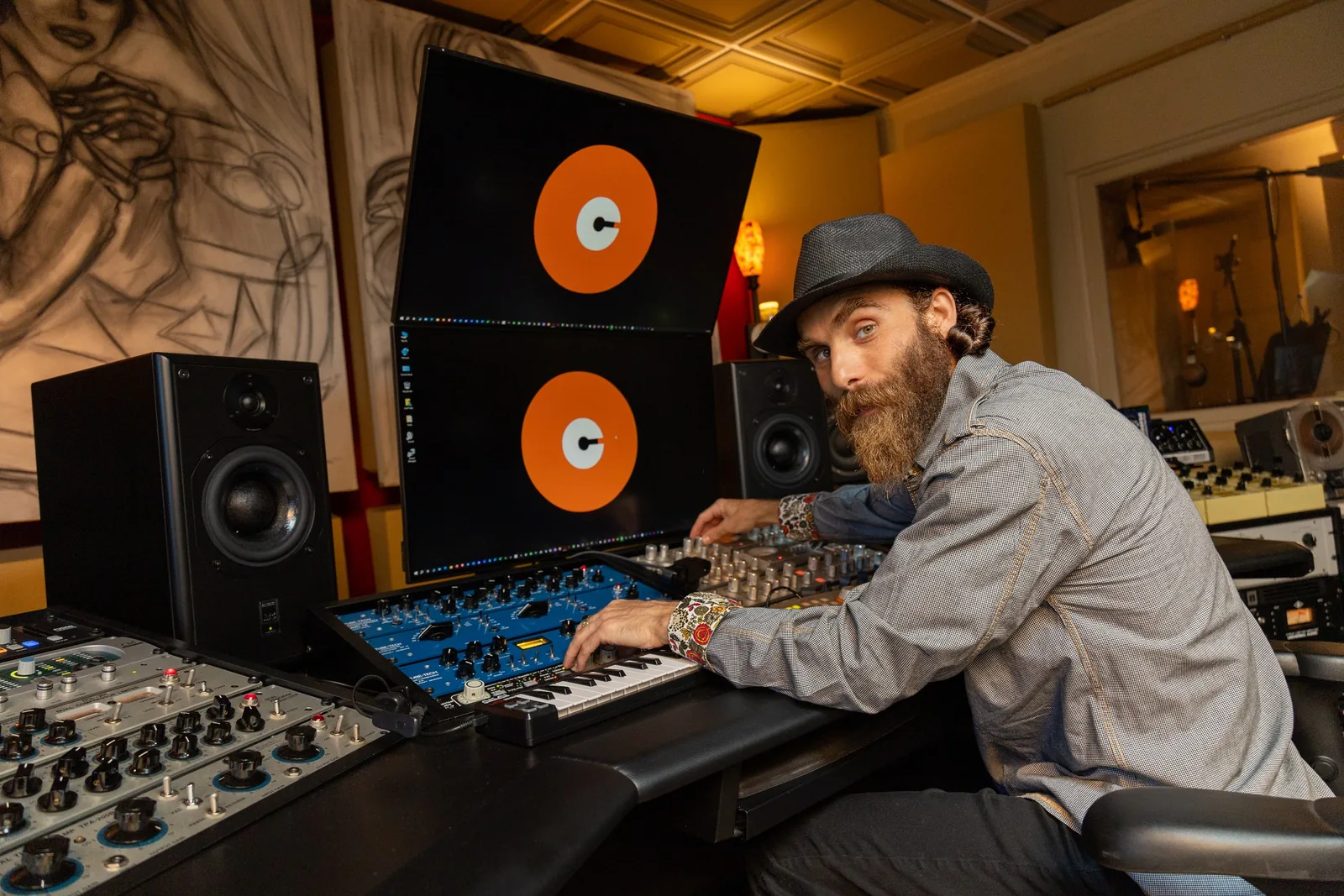
Asaf Fulks founded The OC Recording Company in 2005 and built it into a full-service studio, record label, music publisher, and audio school. Thousands of songs produced. Platinum and Grammy-winning artists engineered. A Gold Record, three #1 hit records, and placements with Netflix, Disney, MTV, ESPN, Showtime, Fox, and SYFY.
He’s also a licensed California attorney — the business chapter is written from real contracts, not theory — and the creator of StemDesk, the AI mixing platform. The AI chapter was written by someone actually building the tools.
Former Grammy Voting Member2016 Producer of the YearPro Tools CertifiedWaves Audio CertifiedFormer AES MemberU.S. Patent HolderB.A. Computer ScienceJ.D. magna cum laude
Straight from the book.
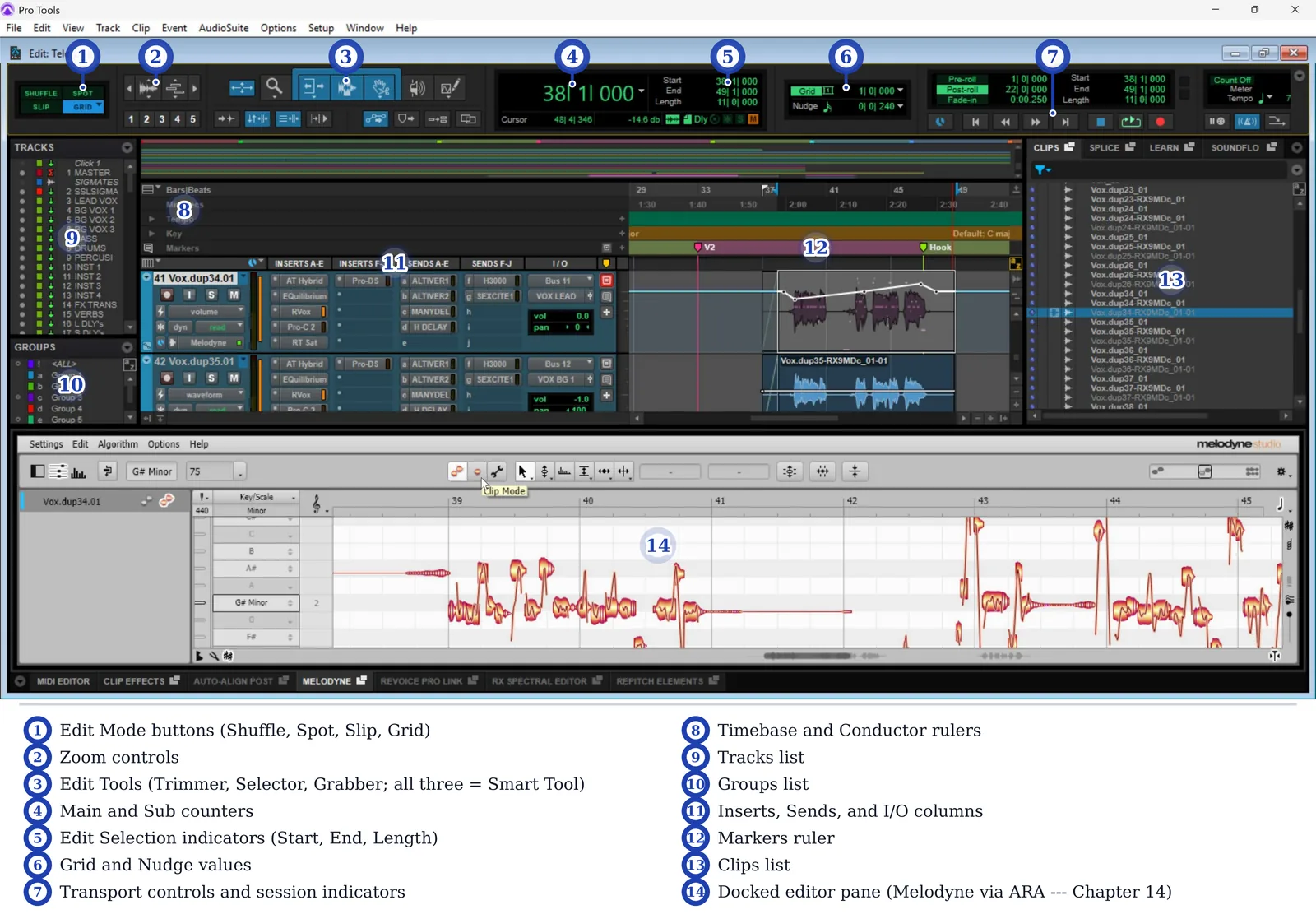
Pro Tools, screen by screen.
Real sessions, real screenshots — from first launch to final bounce. Recording, editing, comping, MIDI, mixing, automation, and delivery, in the DAW the industry actually runs on.
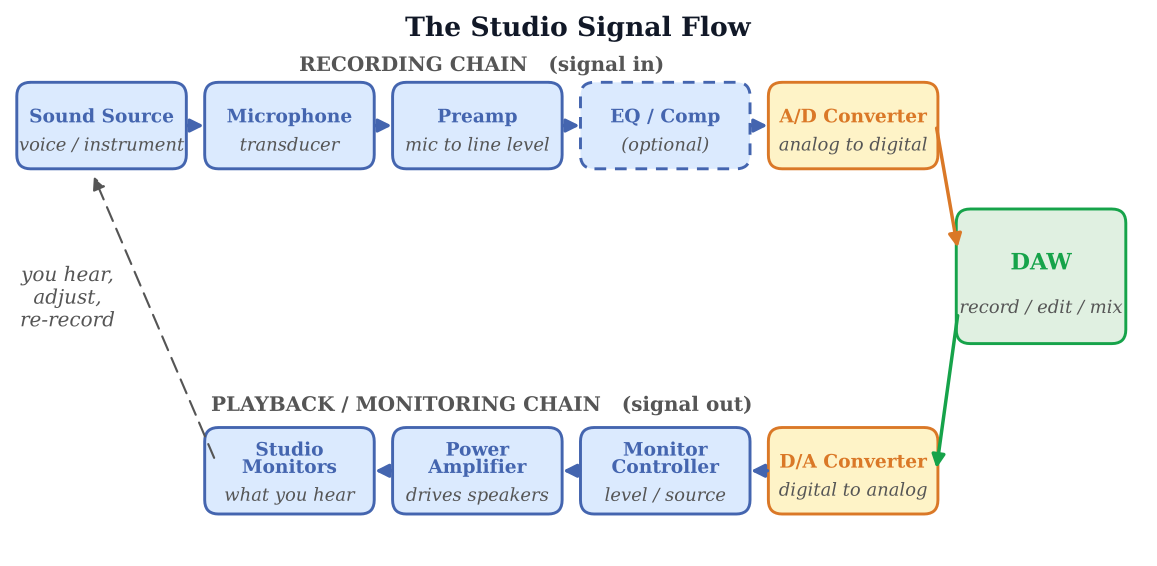
See the signal. Understand everything.
Every signal path in the studio is drawn to scale and labeled — from the mic capsule through preamp, converter, DAW, and monitors. When you can see it, you can troubleshoot it.
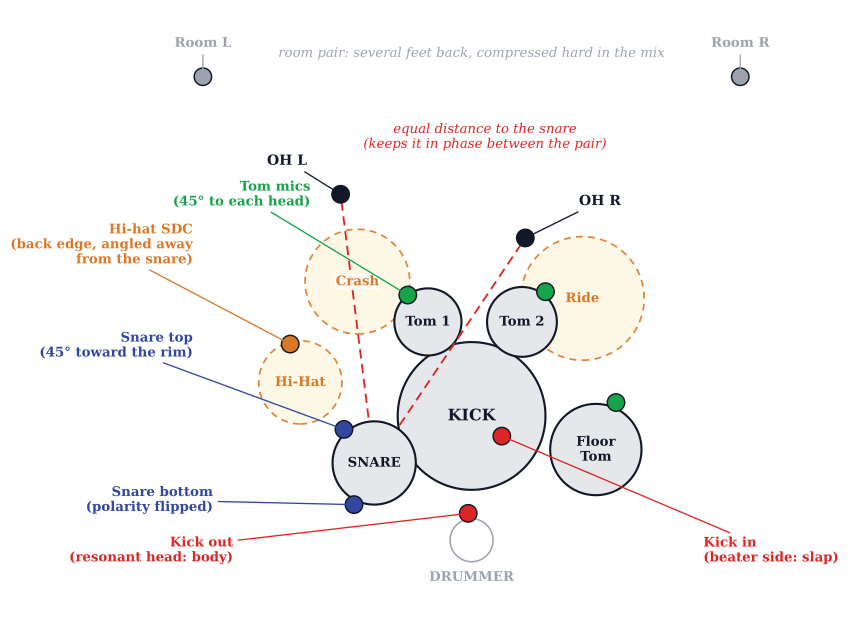
The techniques the pros actually use.
Glyn Johns. Recorderman. The three-to-one rule. Mid-side. Parallel compression. Taught the way they’re used on records — not as trivia.
Real sessions. Not slides.
These aren’t stock graphics or lecture decks — they’re the actual Pro Tools sessions from the book, pulled apart and explained window by window, so you know what every fader, region, and menu is doing before you ever open your own.
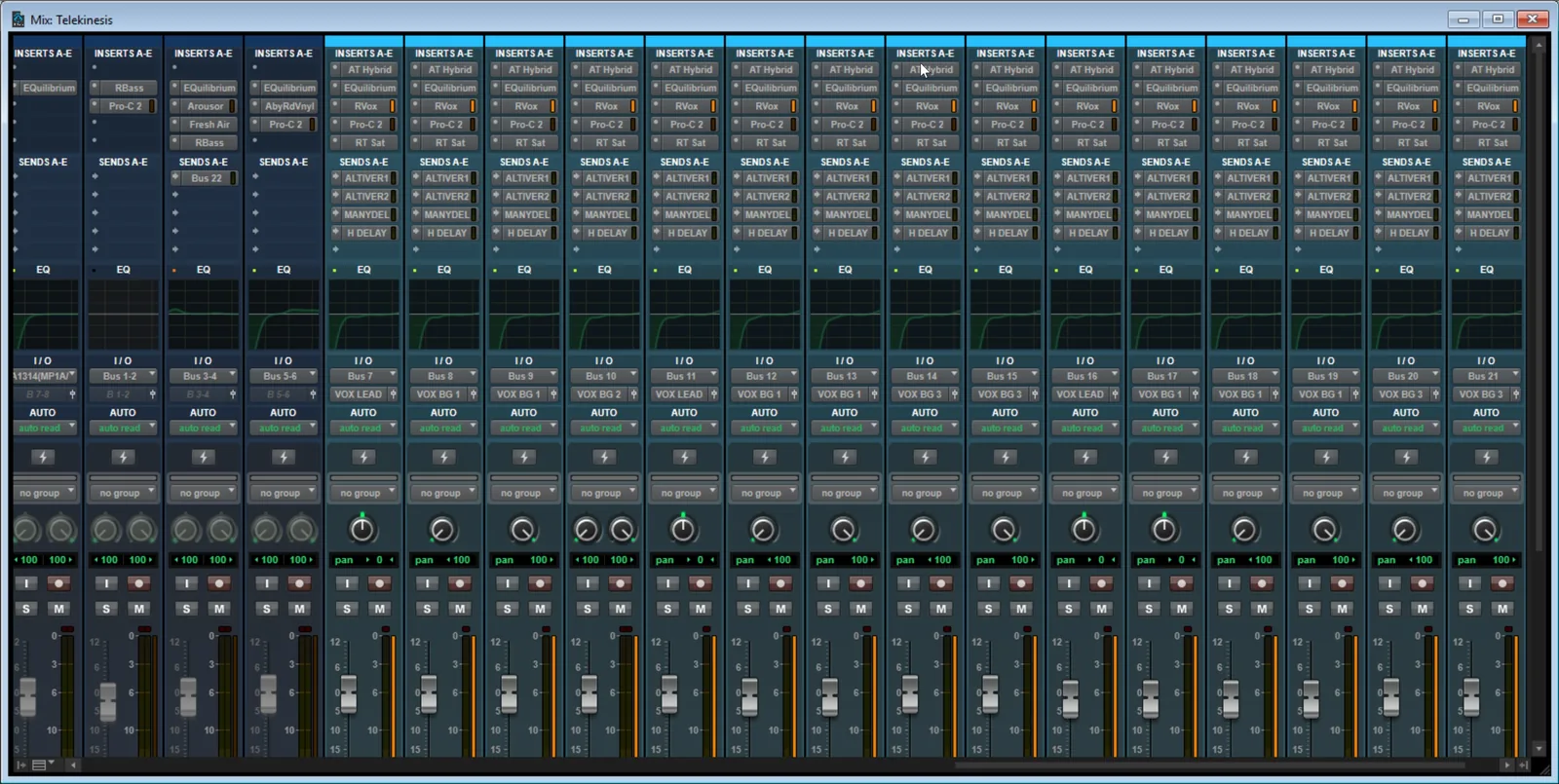
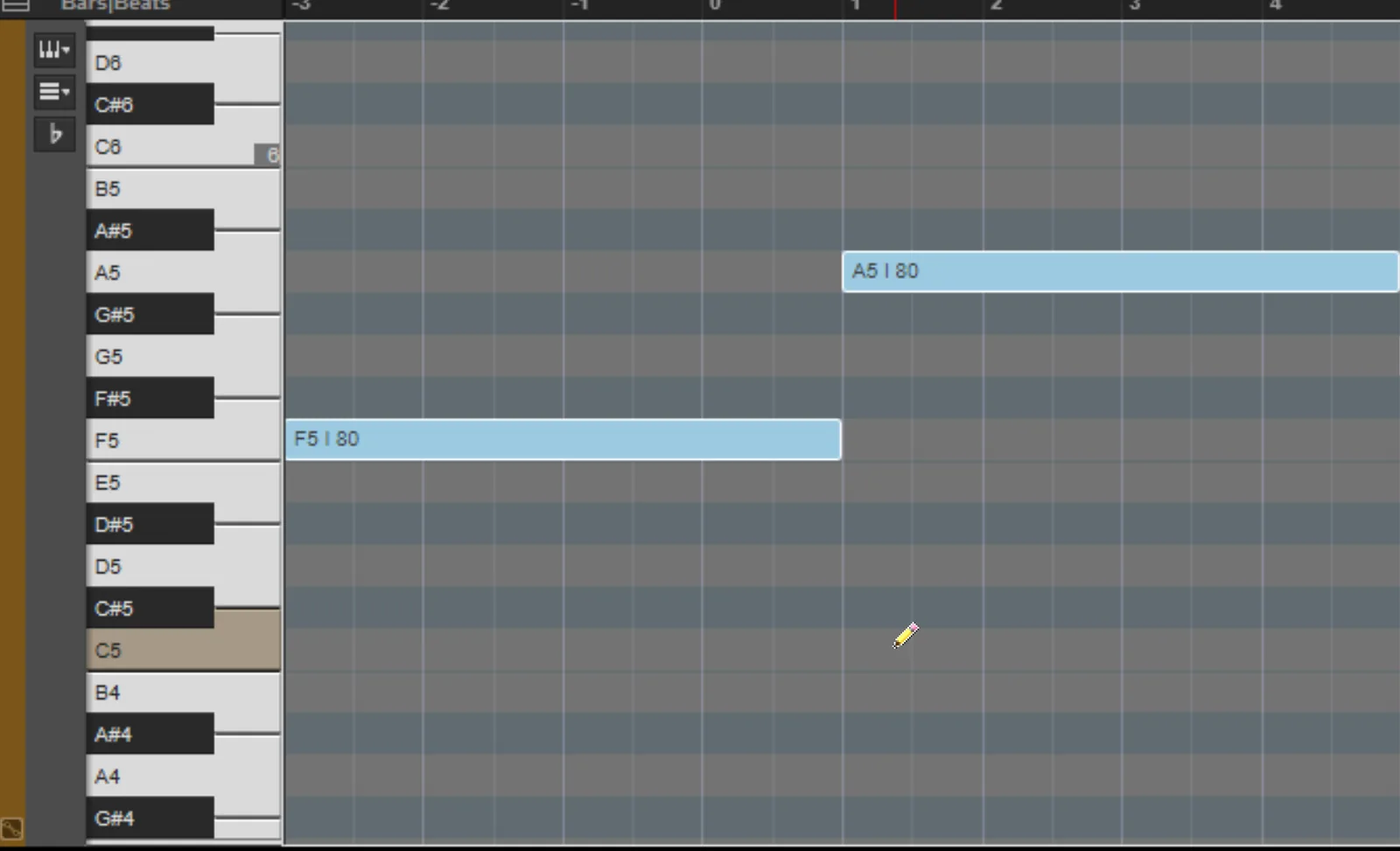
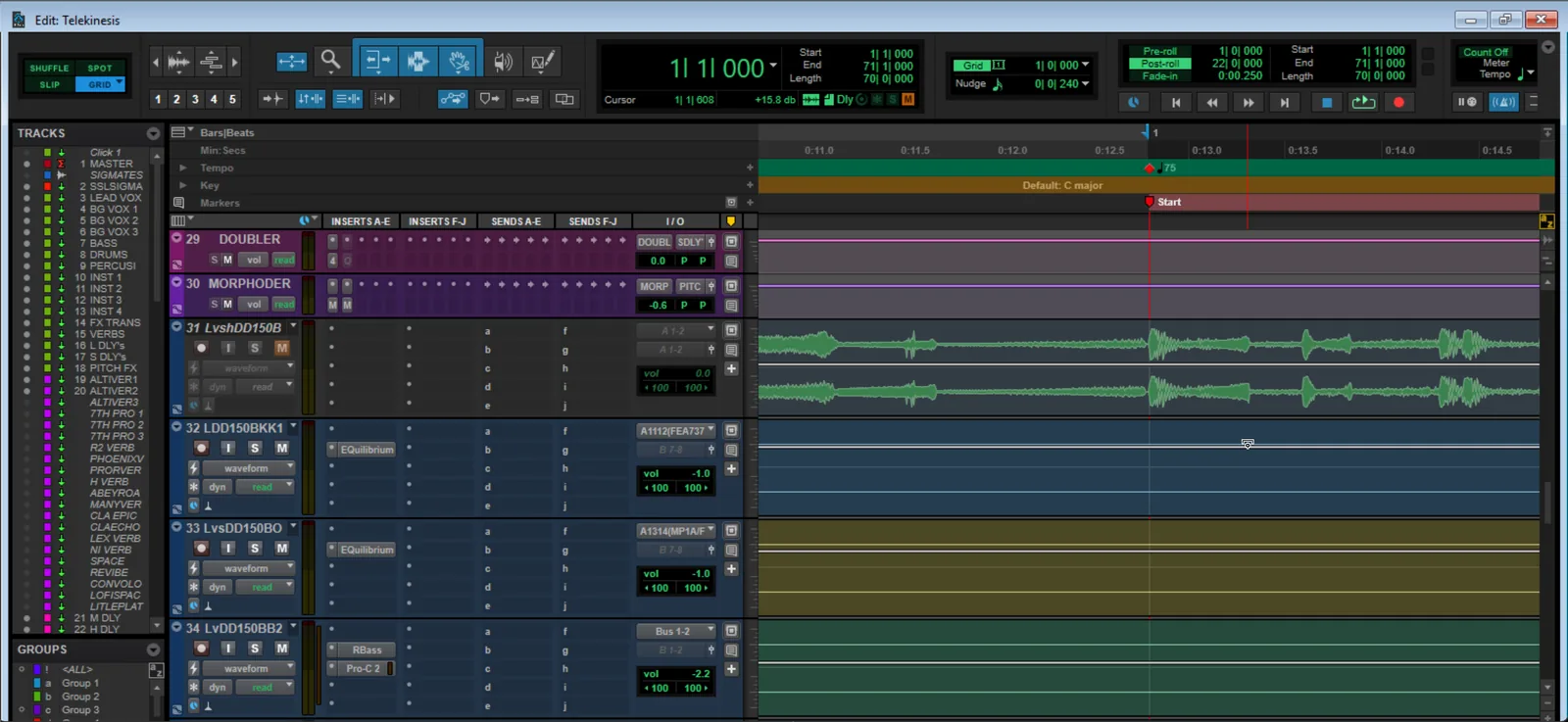
It covers everything.
Not a promise — proof. These are real pages from the book: treating your room, soldering a cable, a 7.1.4 Atmos layout, audio cut to picture, the drum setups behind a thousand records. If it happens in a studio, there is a diagram for it.
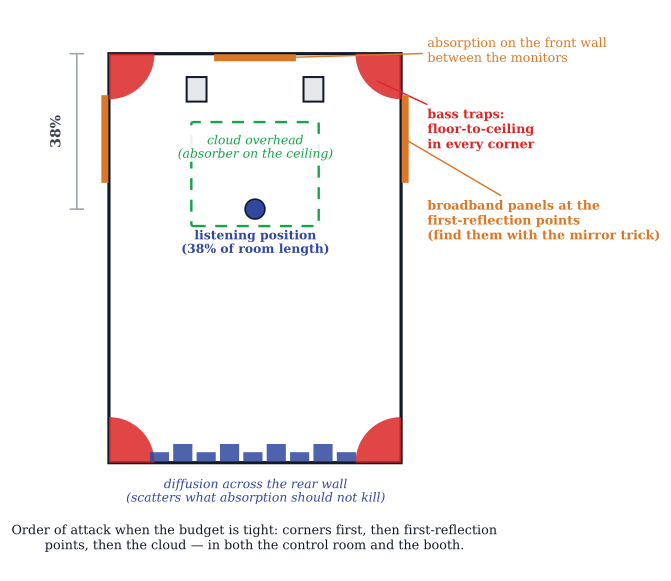
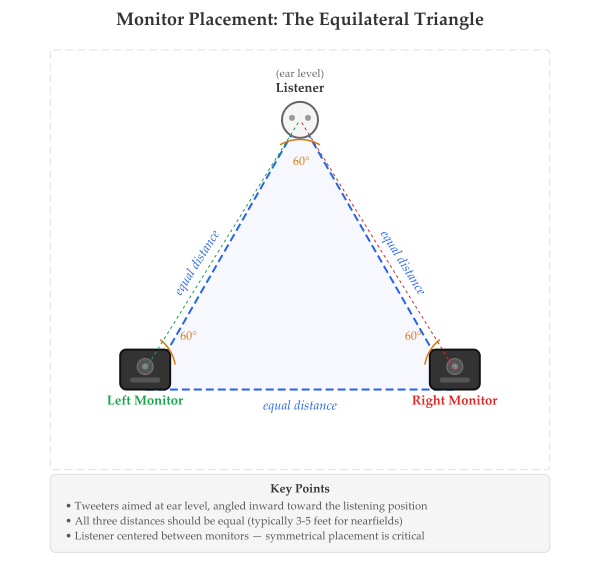
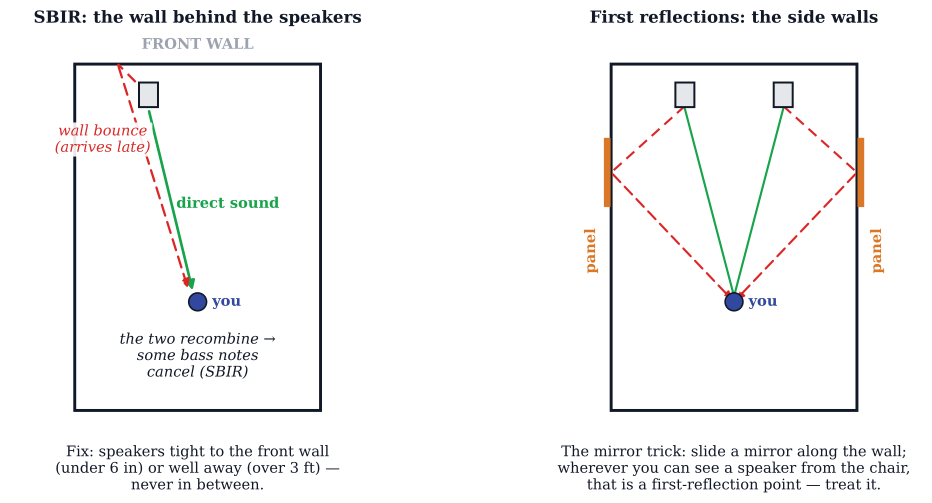
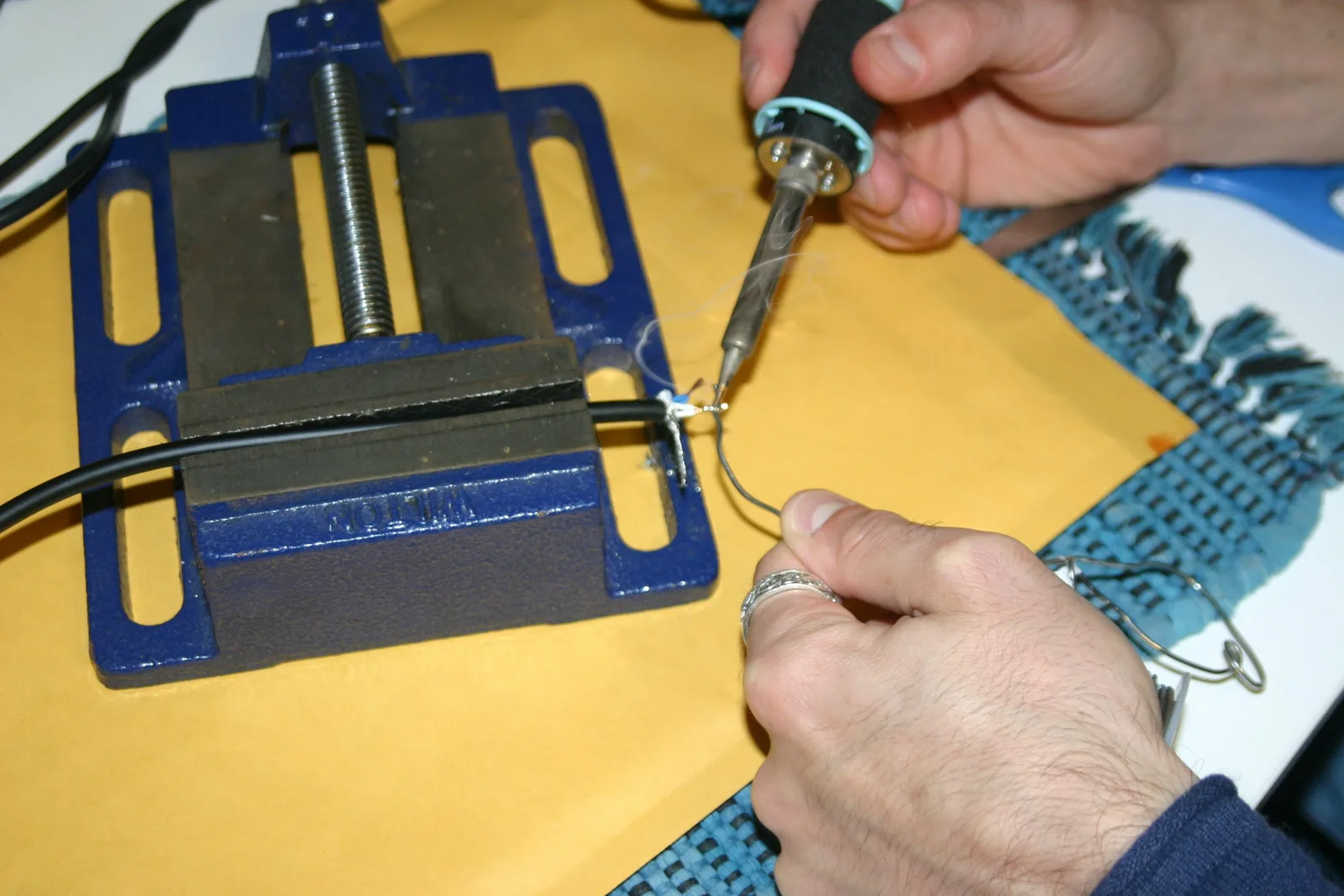
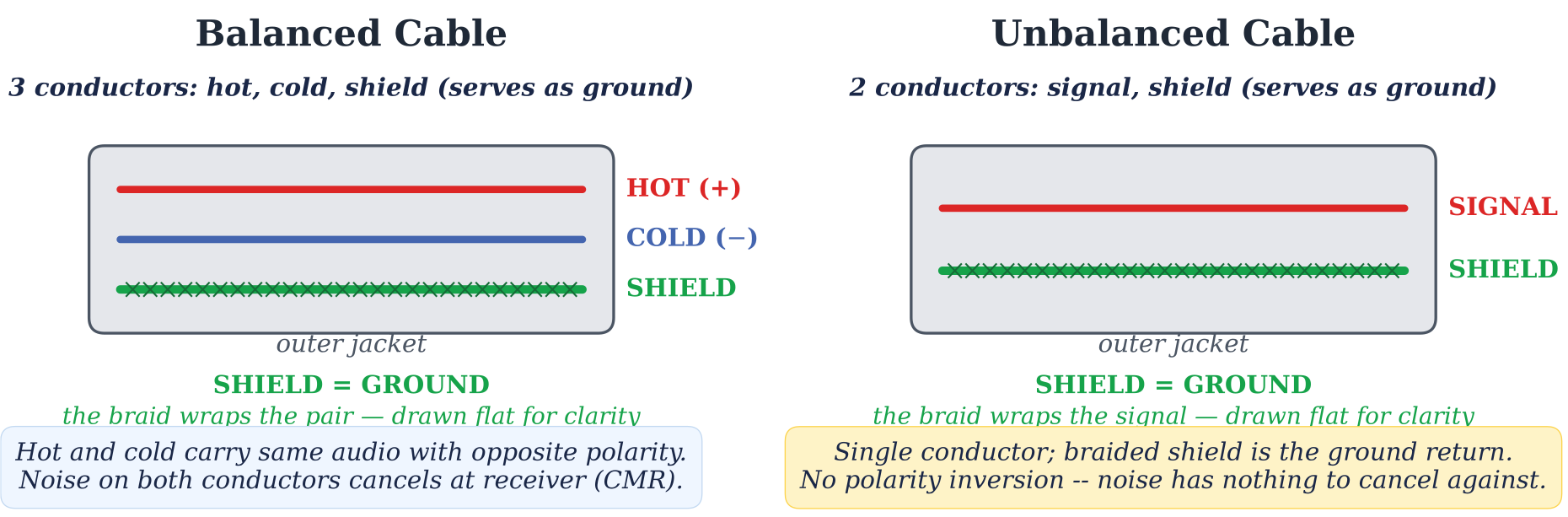
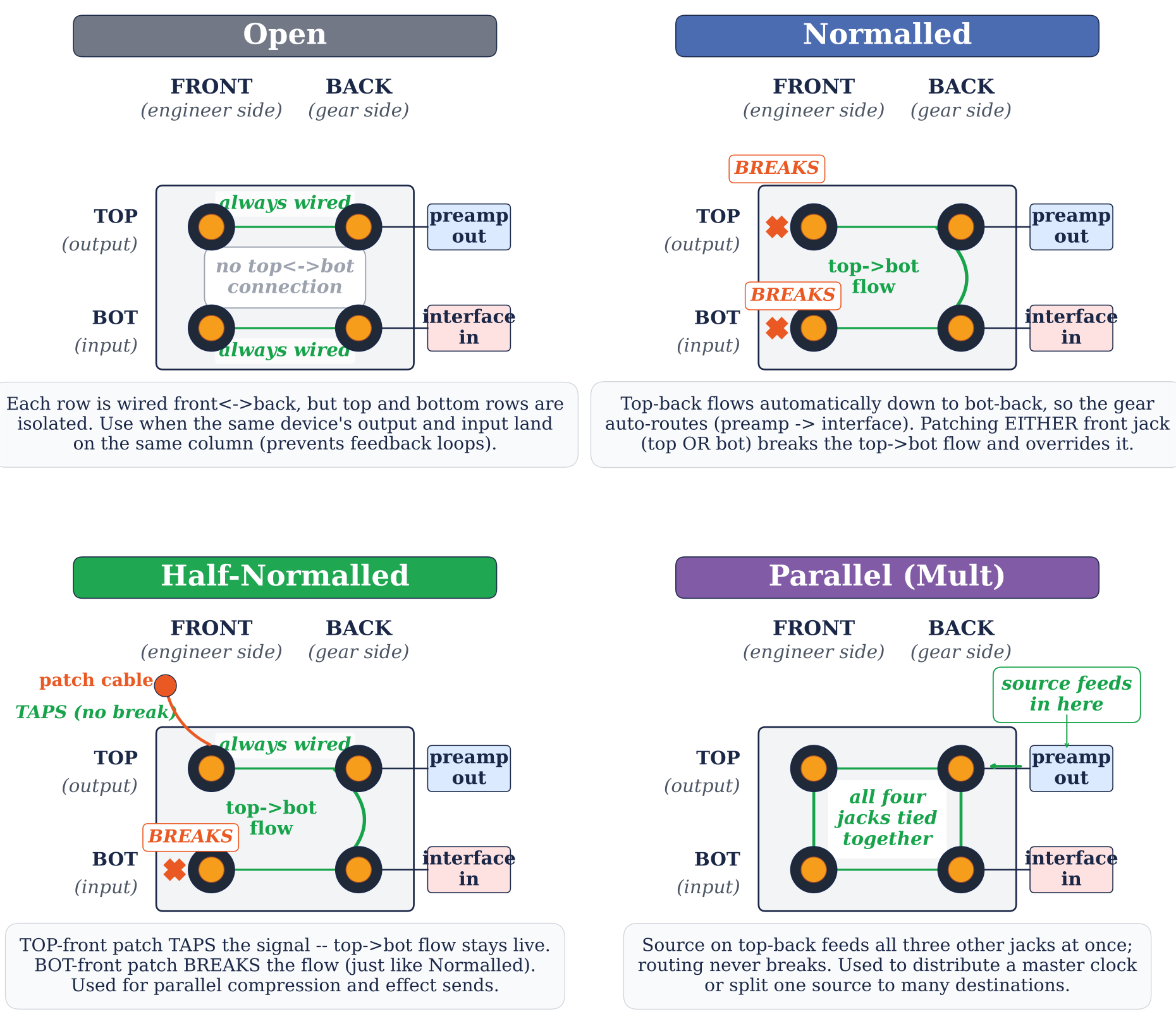
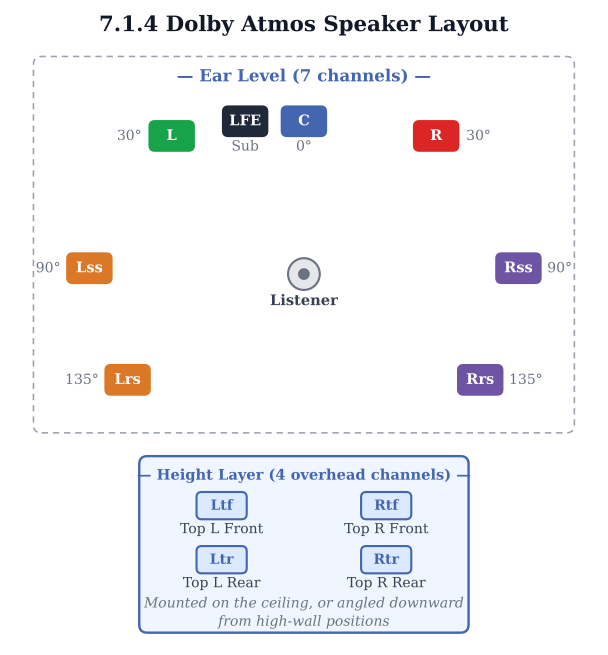
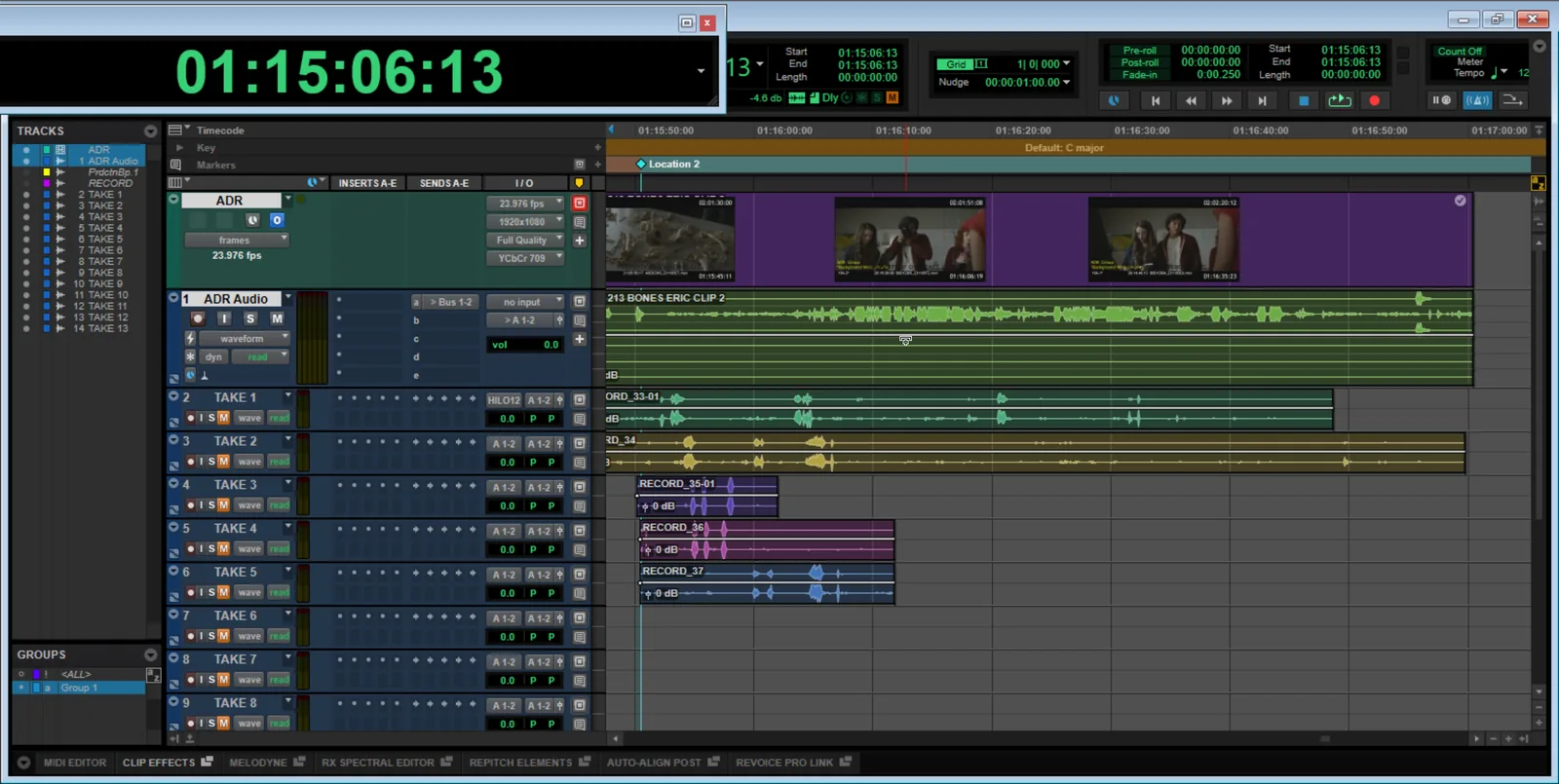
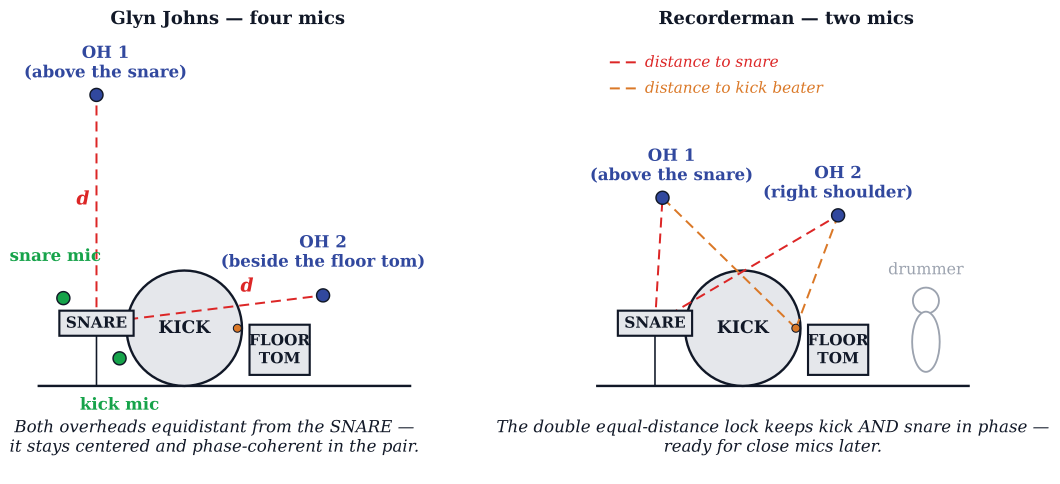
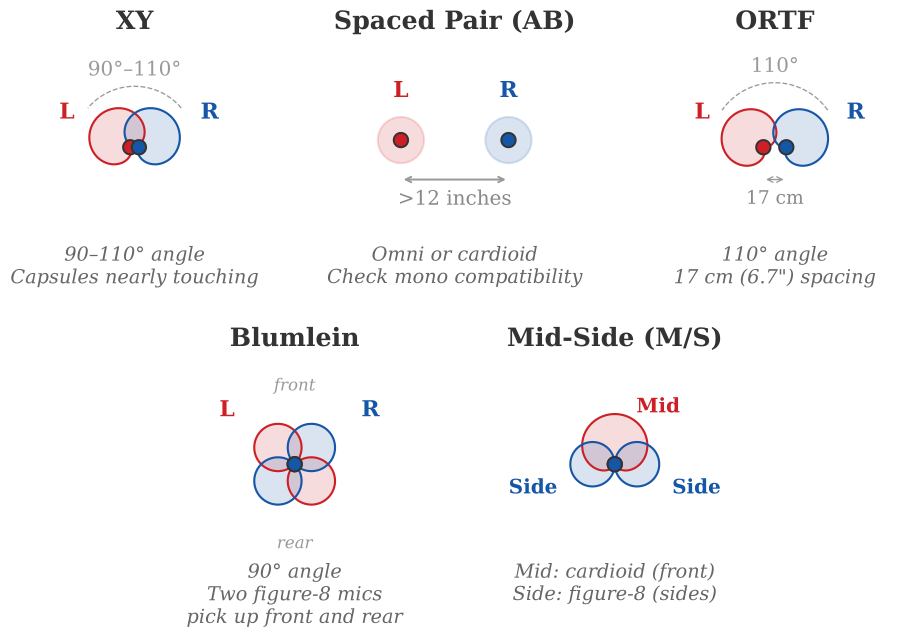
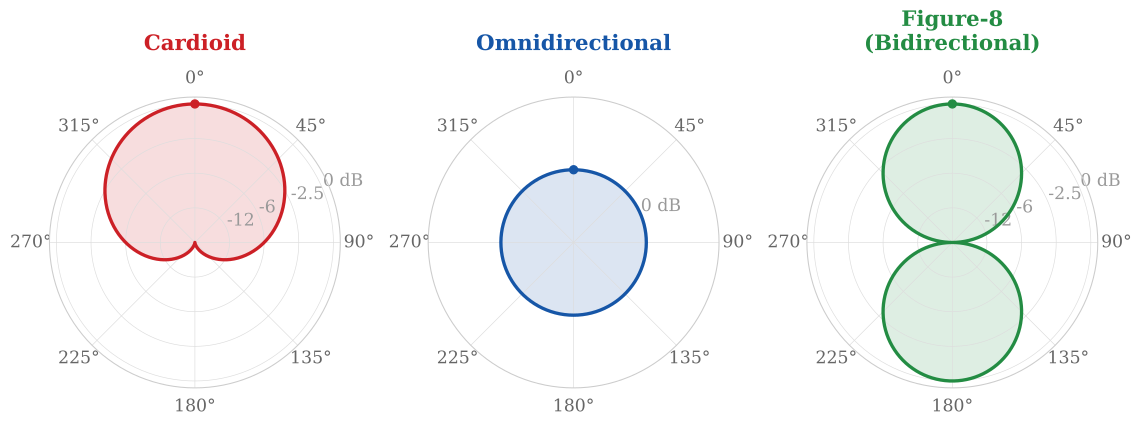
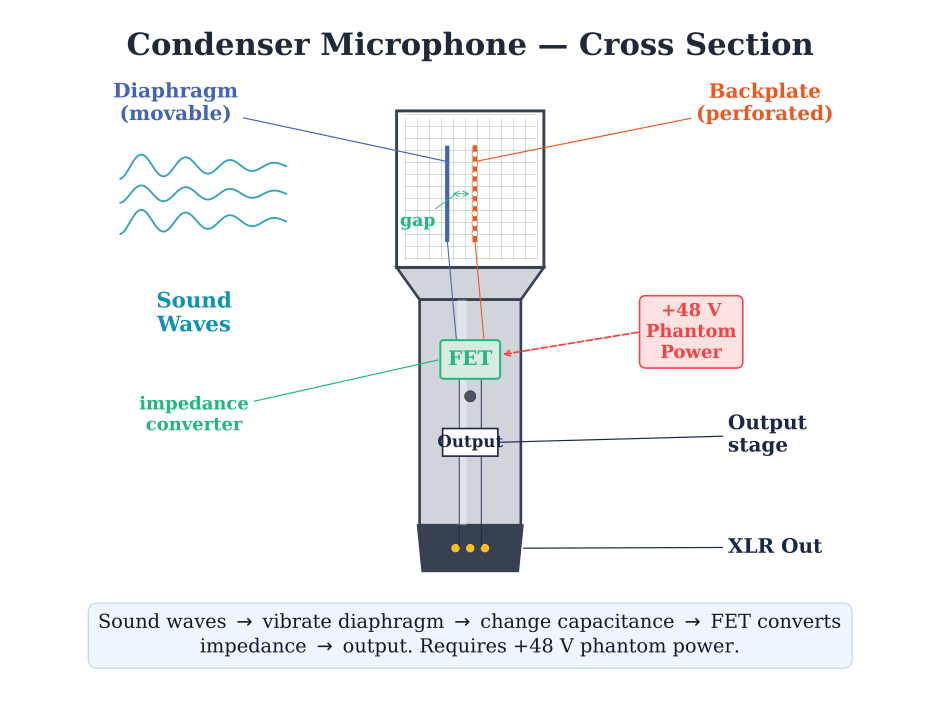
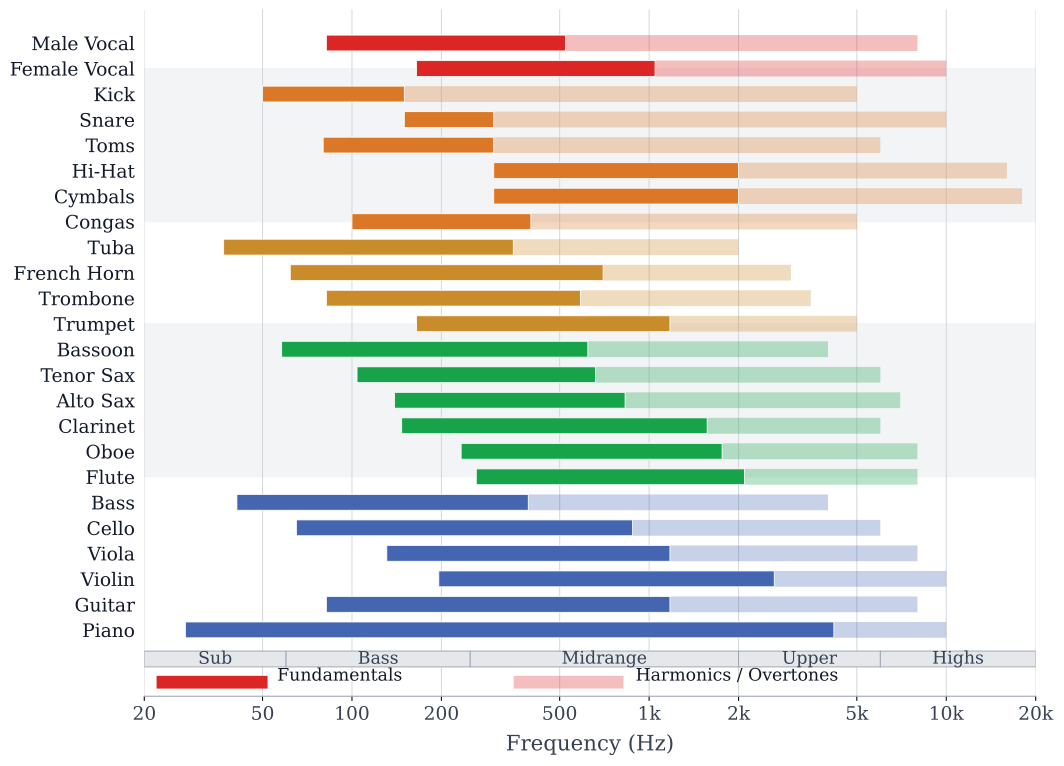
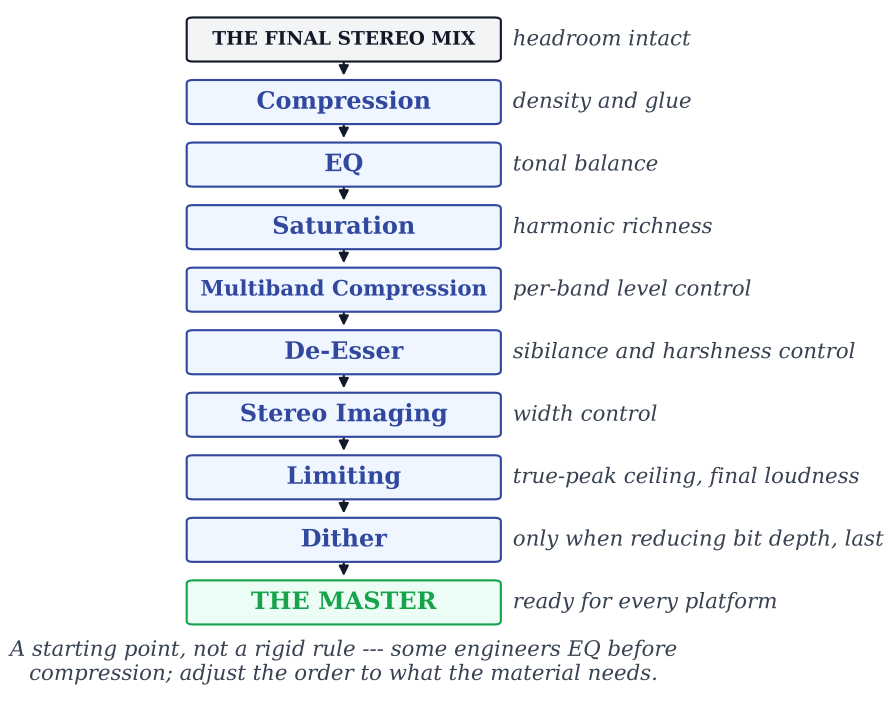
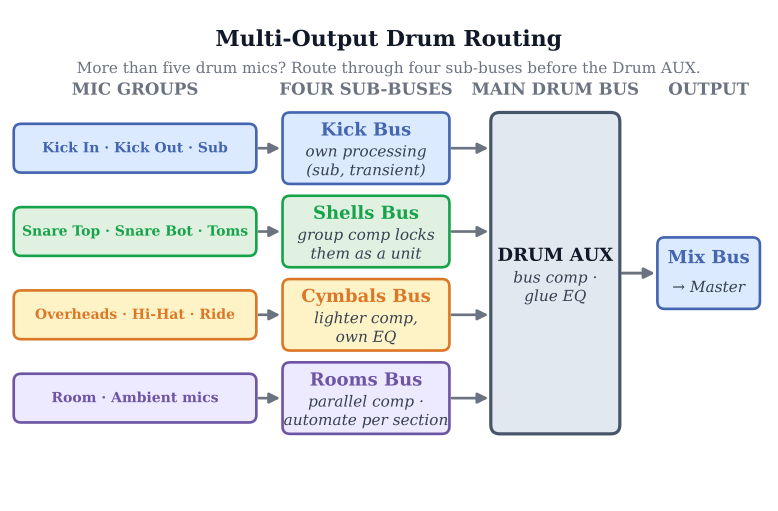
…and this is fifteen of 189 original figures inside — every one drawn to scale and labeled.
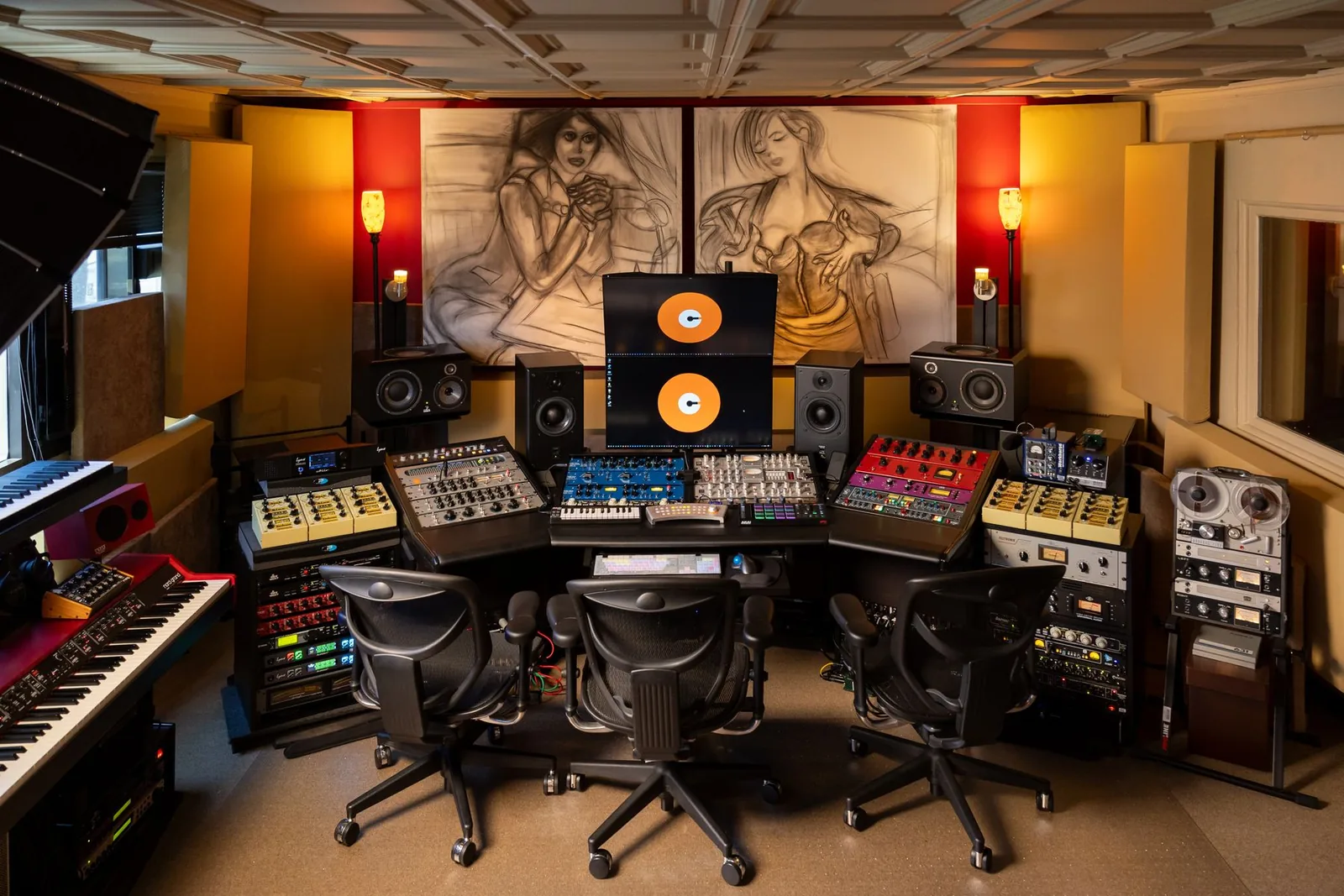
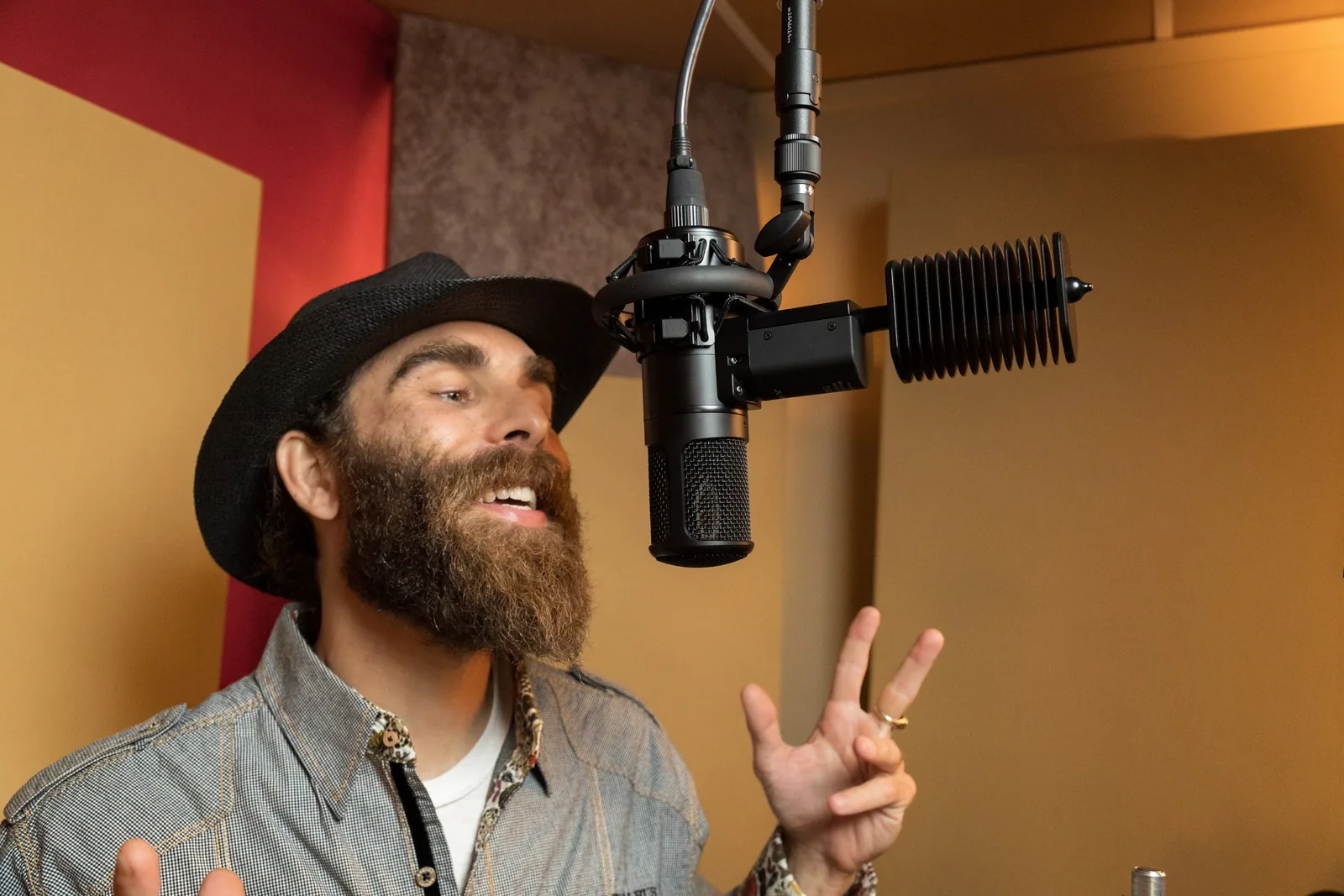
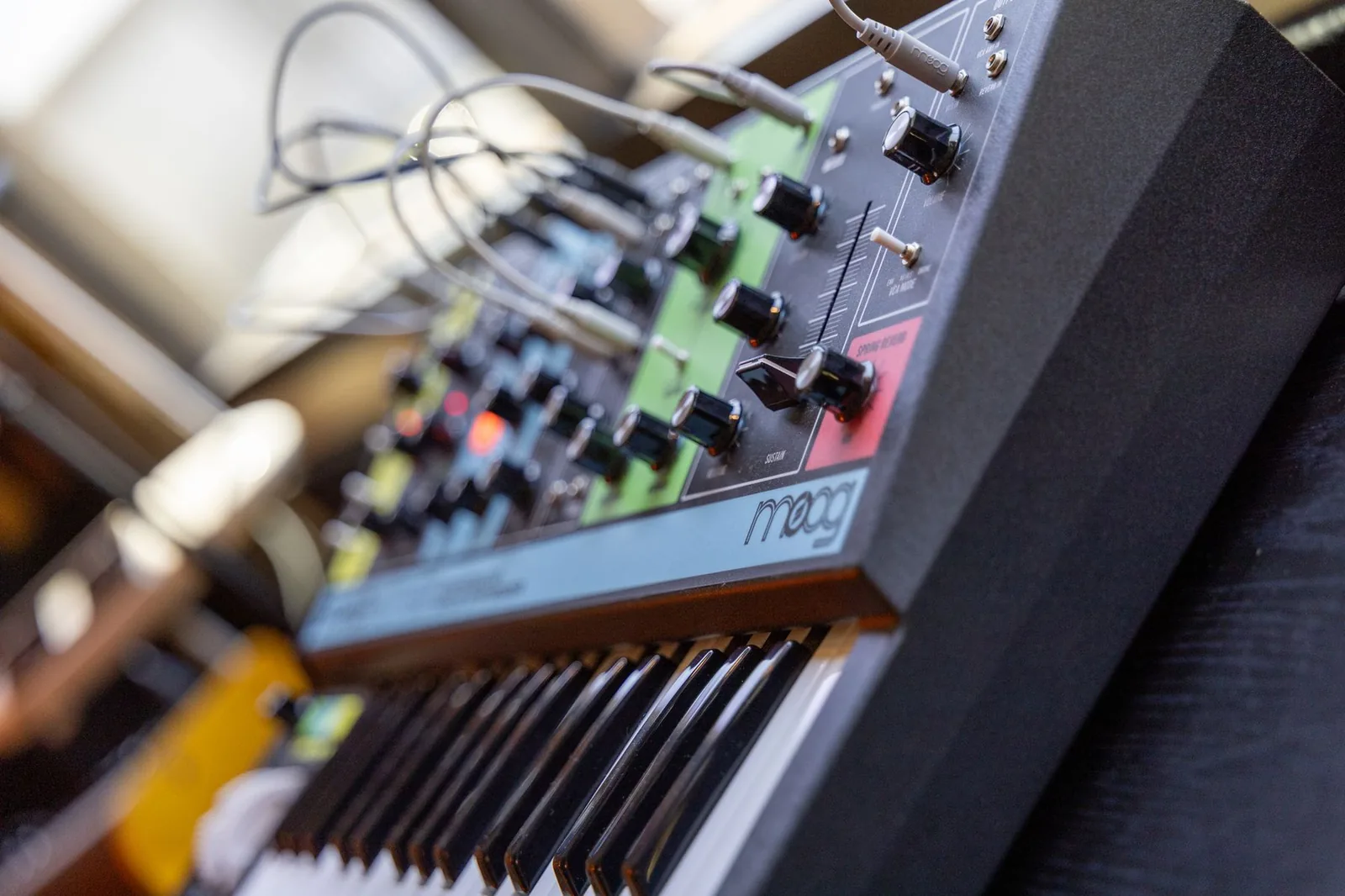
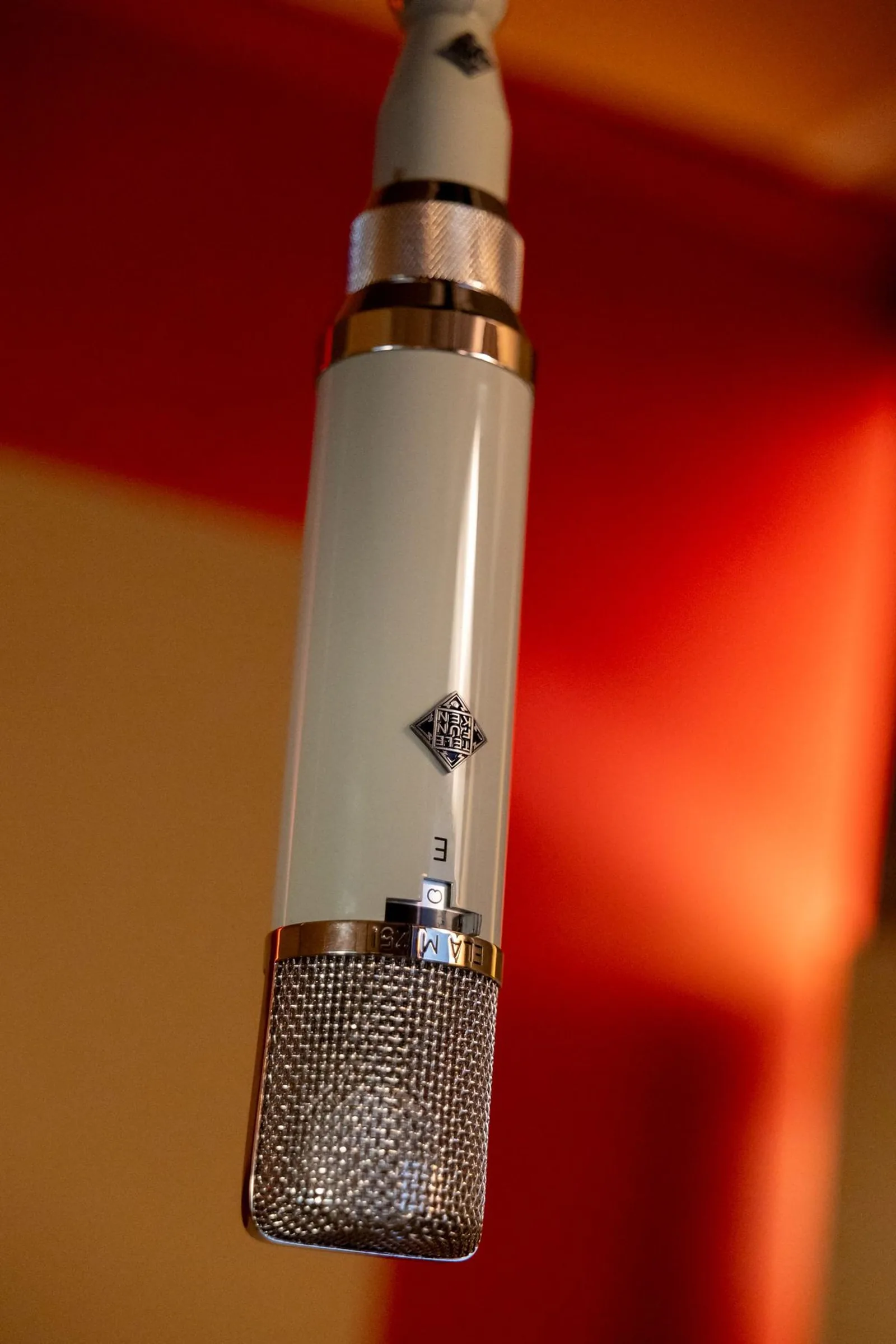
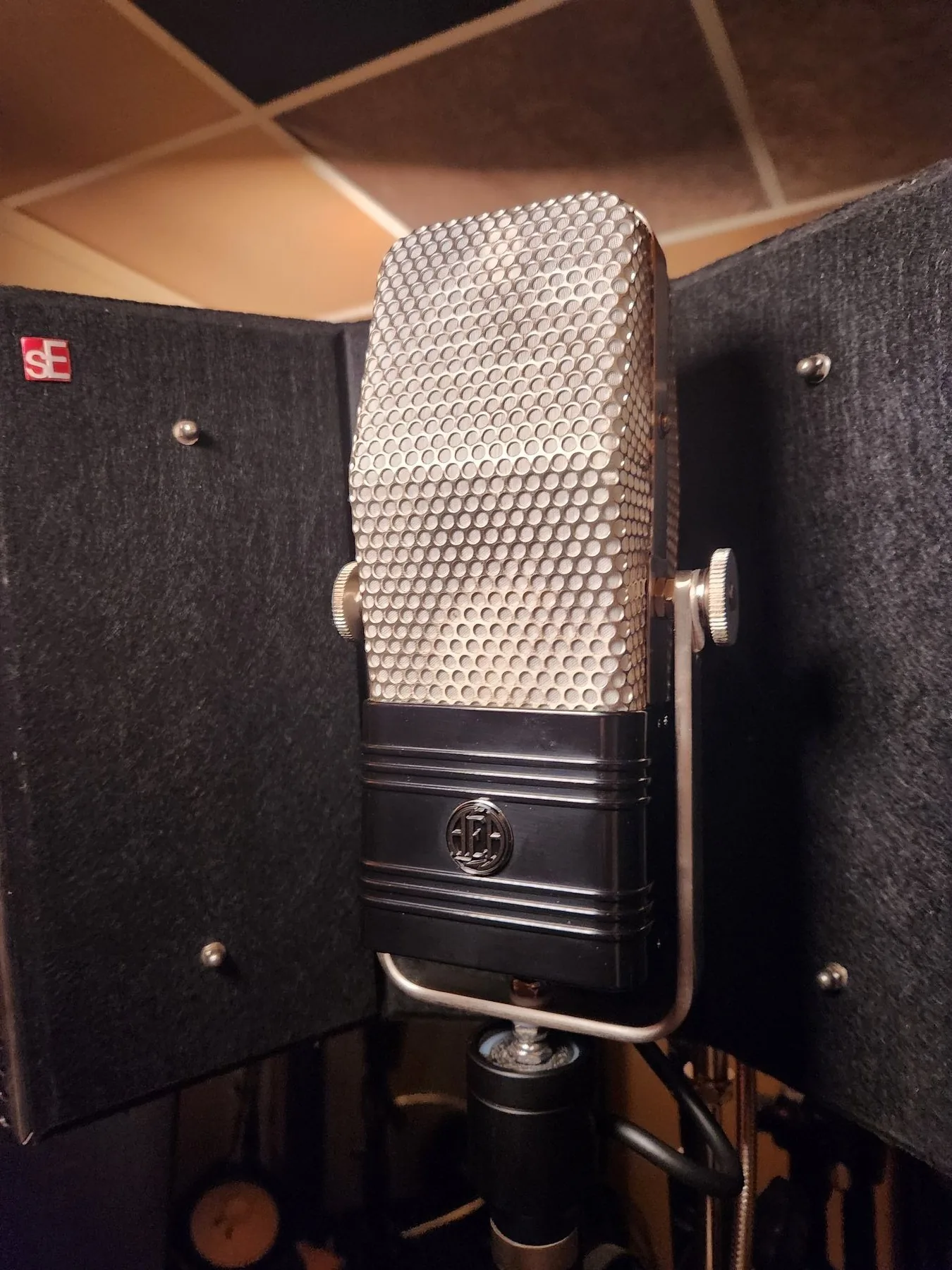
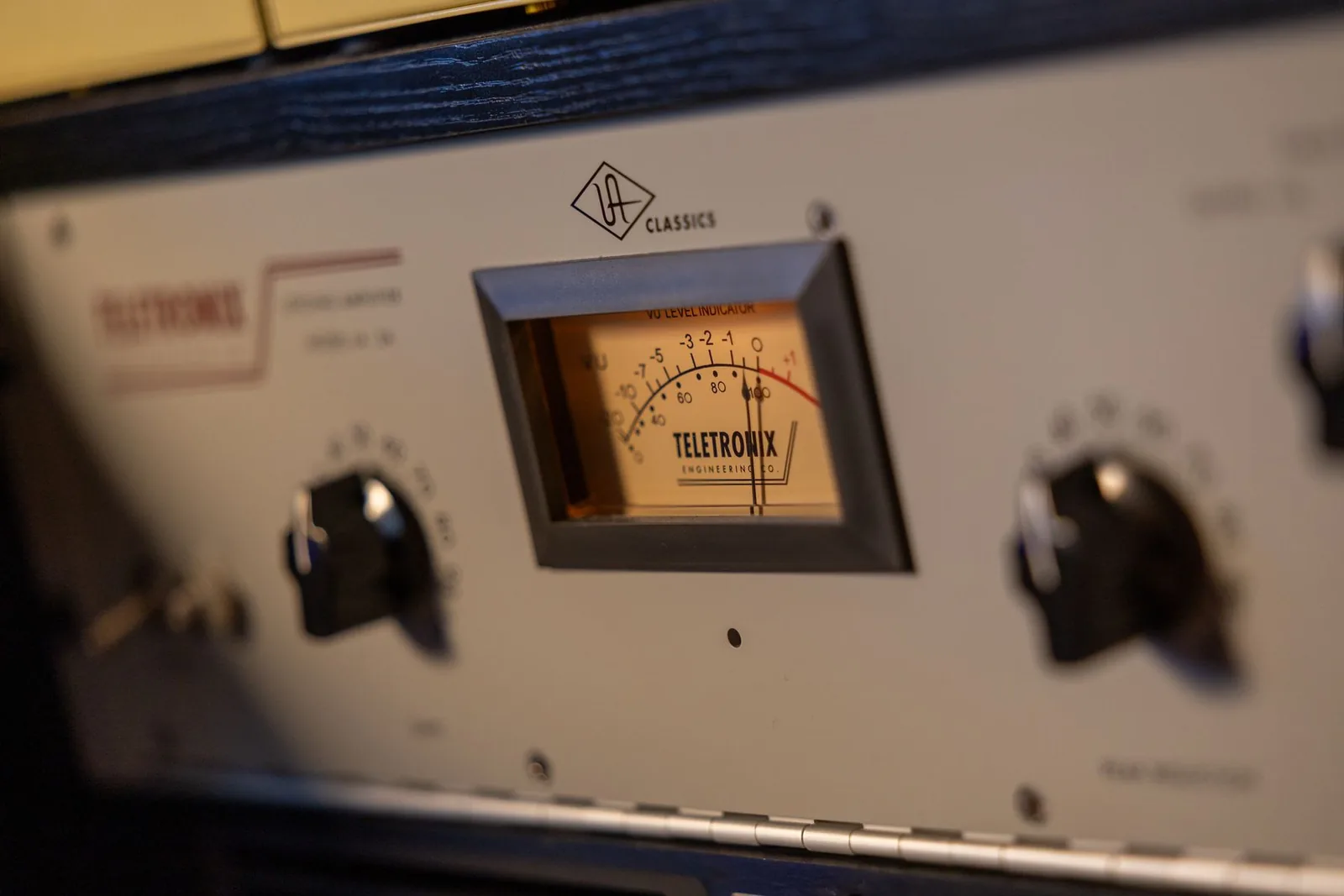
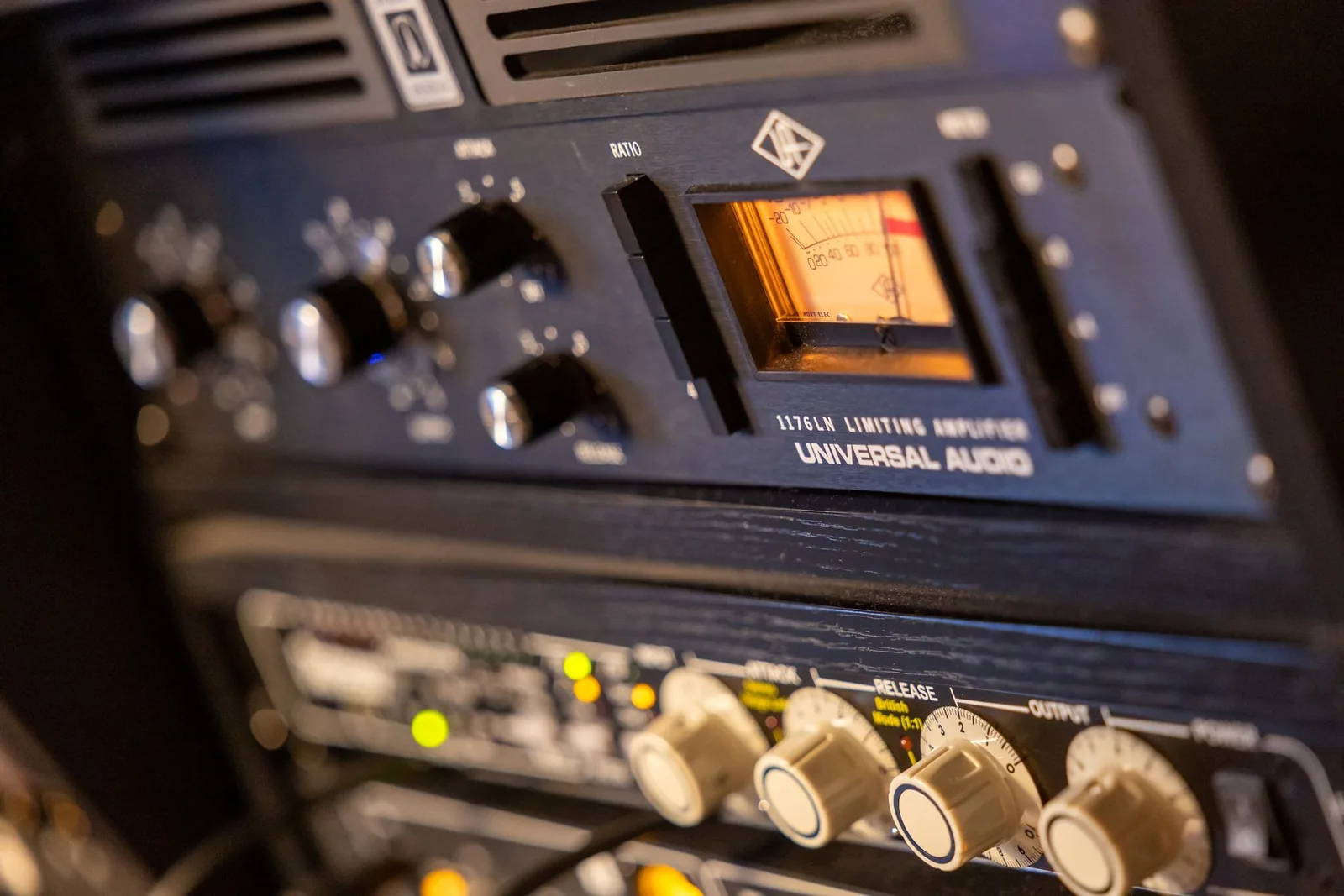
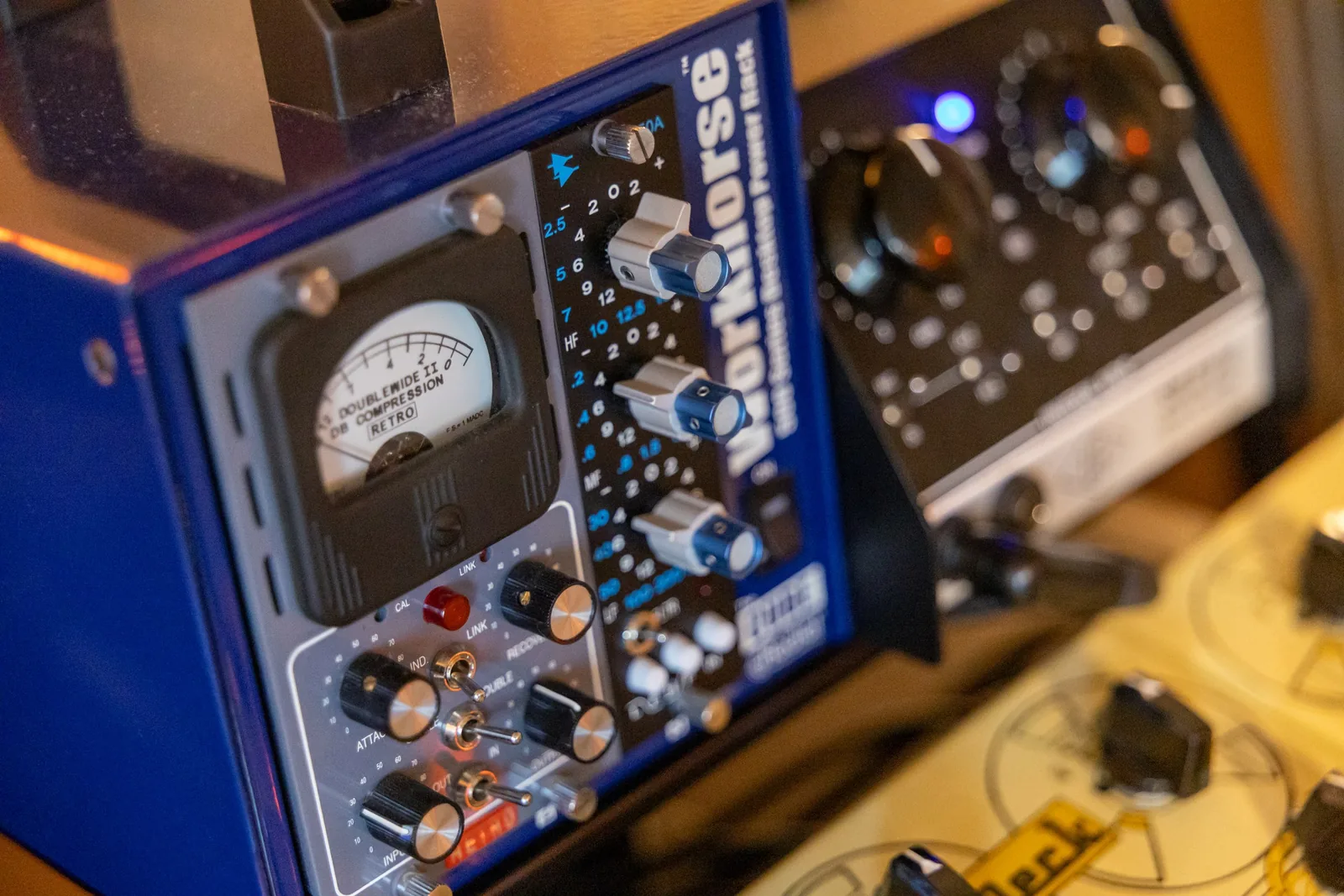
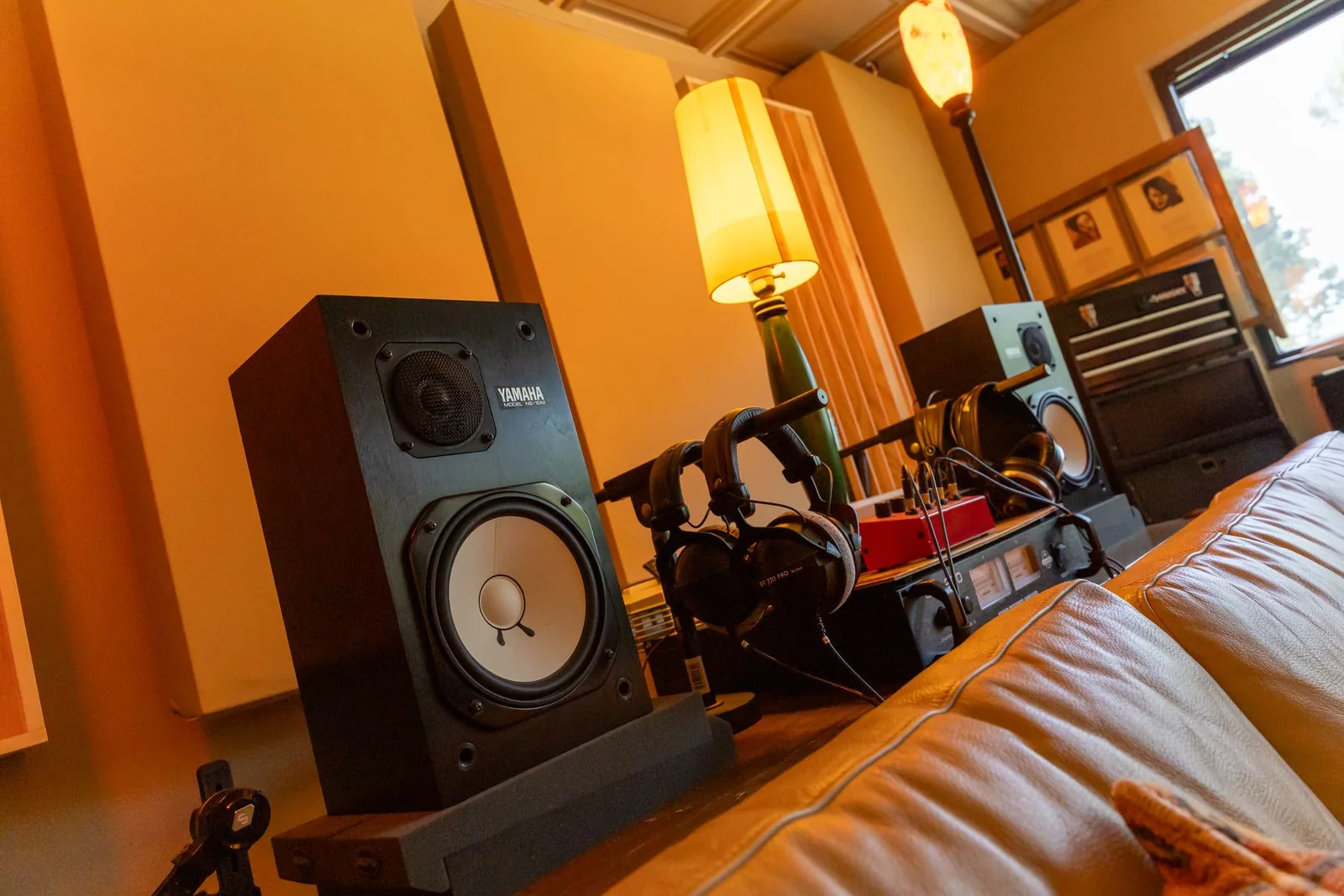
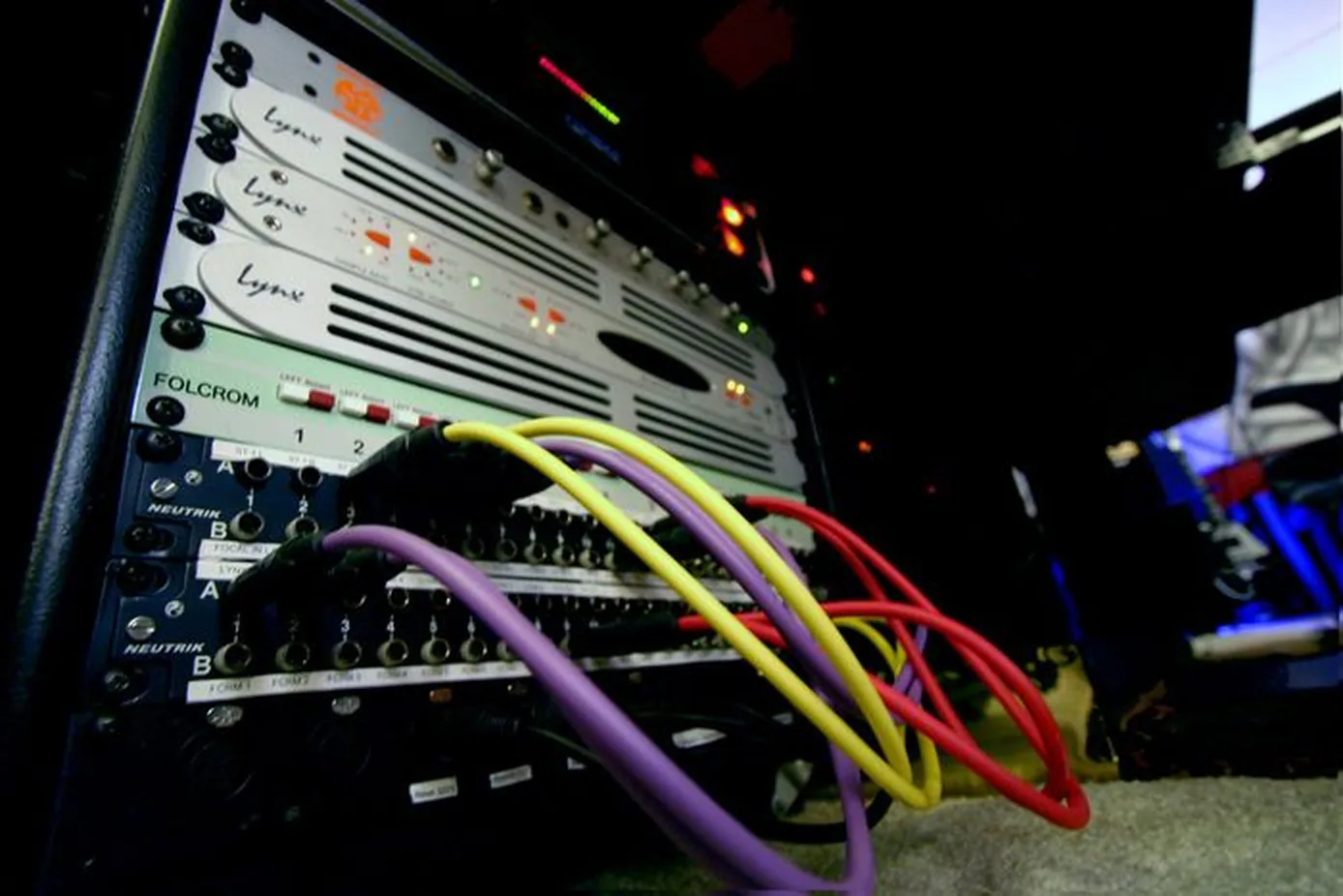
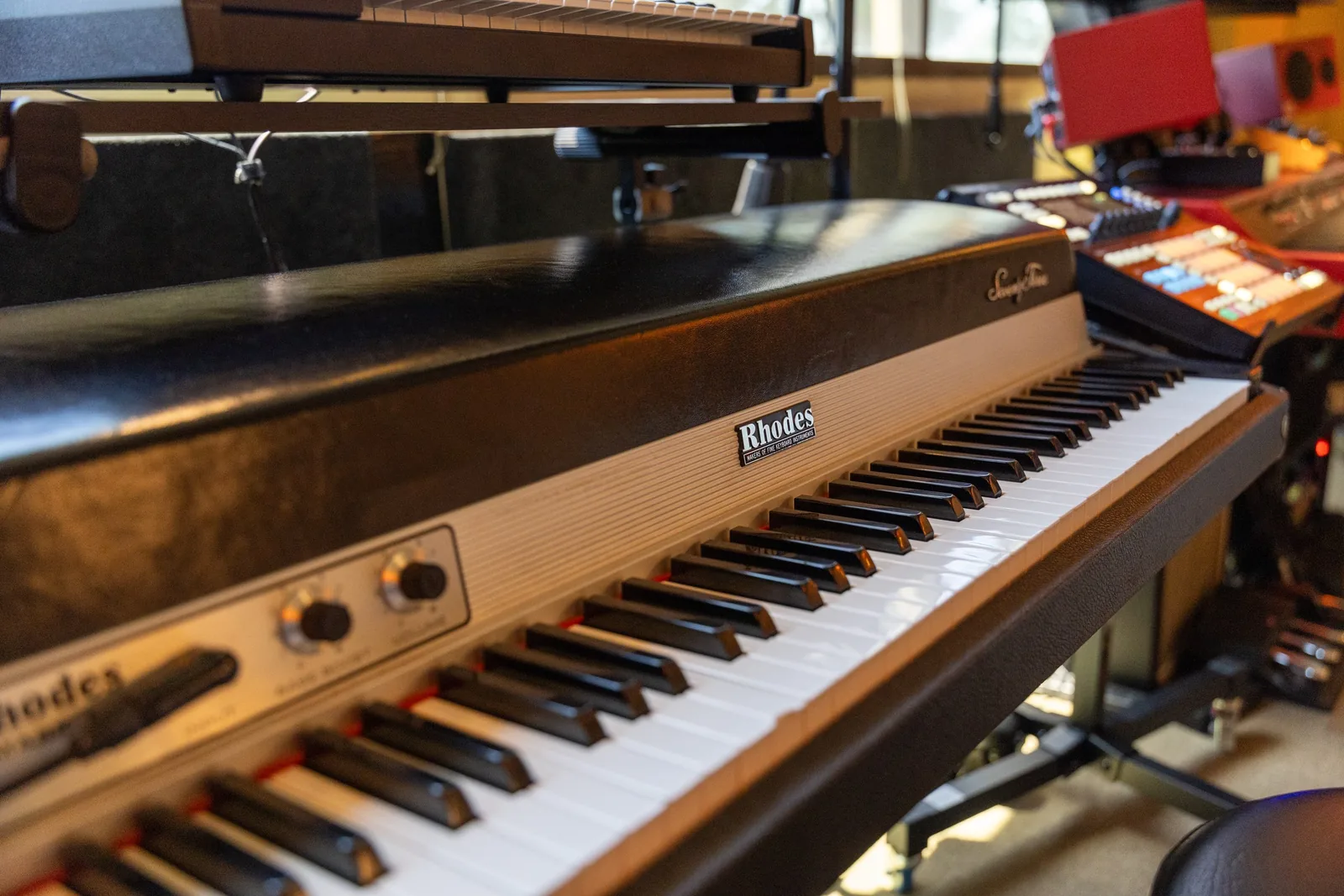
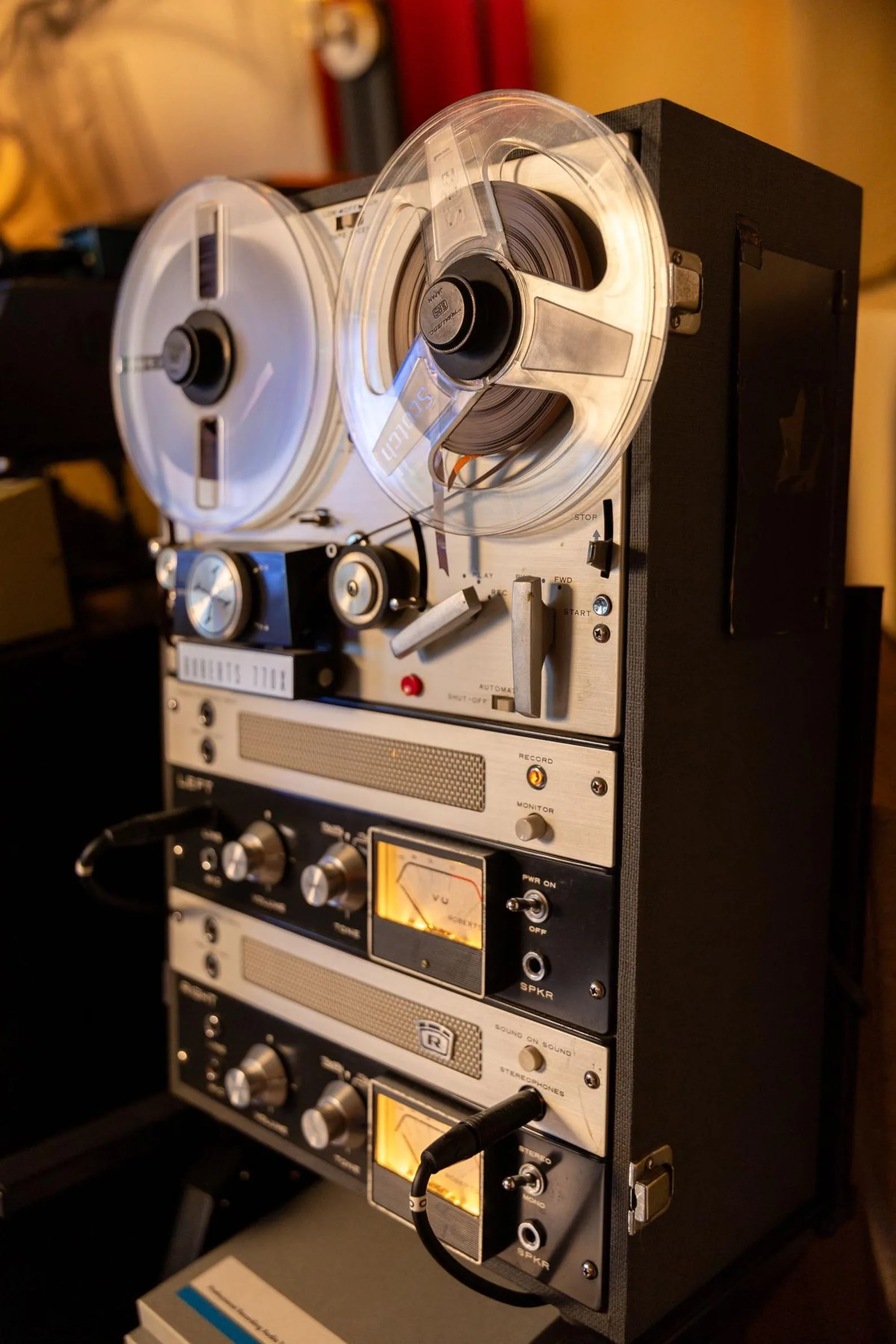
Shot in a real studio.
Not stock photography. The rooms and the gear in this book are the rooms and the gear the author actually works in.
Learn Pro Tools. Speak every DAW.
Pro Tools is the reference, taught from first launch. Every workflow chapter ends with an “Across the DAWs” translation — so the lesson lands in whatever you mix in.
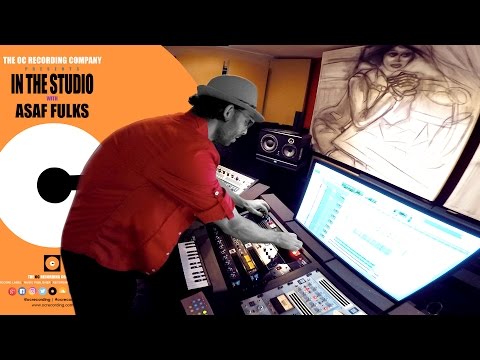
Watch it done at the studio.
All 13 episodes of IN THE STUDIO, filmed at OC Recording and linked from the chapters they belong to. Soldering cables, treating a room, mic shootouts, production in Pro Tools — watch the work, then go do it.
 Ep 1 — Production and Mixing
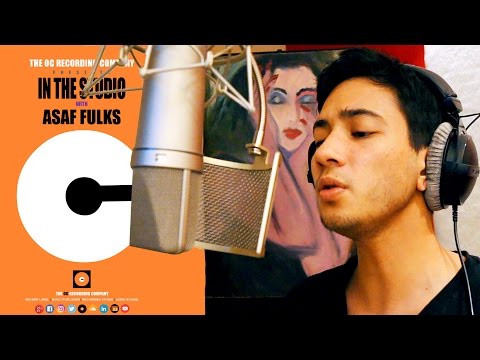 Ep 2 — Comparing Classic Signal Chains
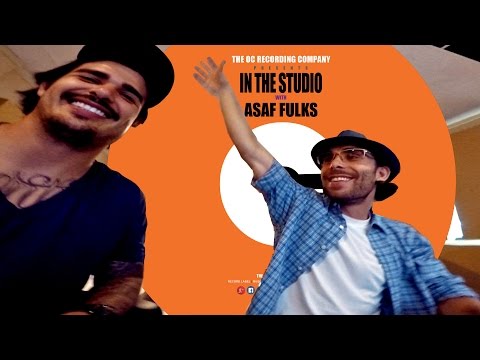 Ep 3 — Music Production with Pro Tools
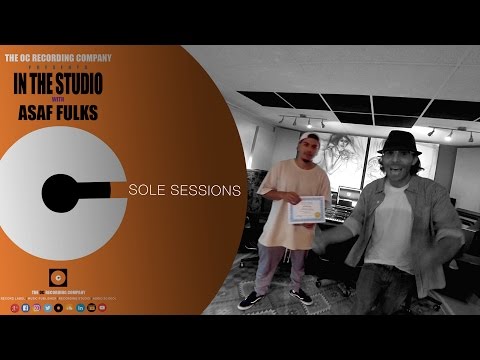 Ep 4 — Sole Sessions
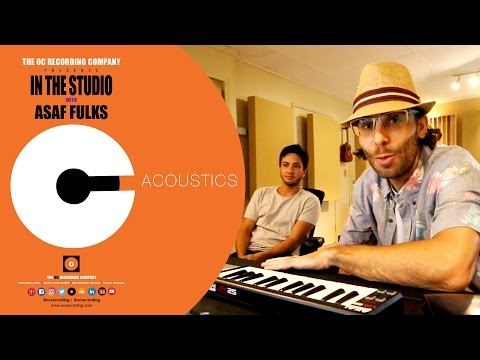 Ep 5 — Acoustics
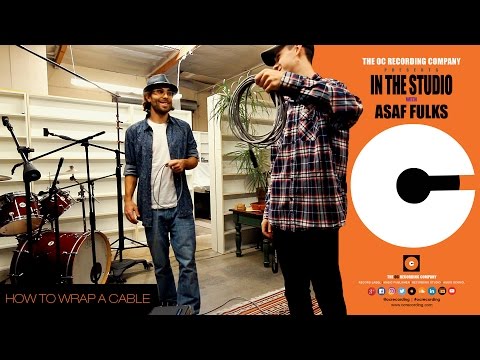 Ep 6 — How to Wrap an Audio Cable
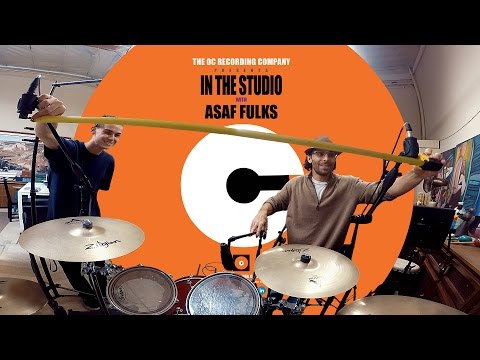 Ep 7 — Mono and Stereo Microphone Techniques
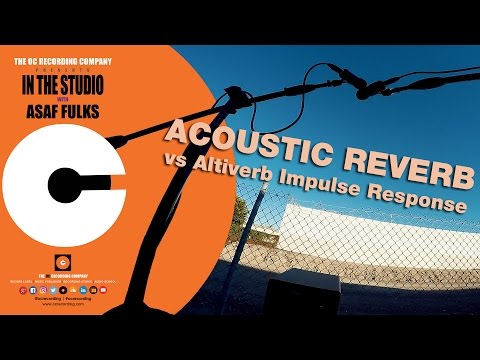 Ep 8 — Acoustic Reverb vs. Altiverb Impulse Response
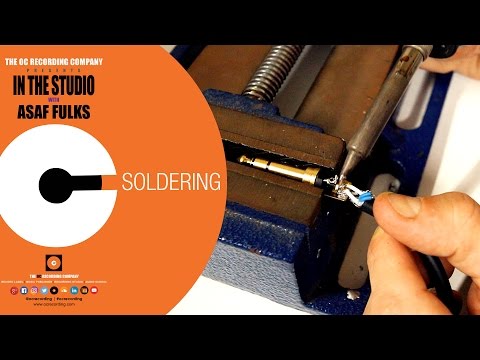 Ep 9 — Soldering Audio Cables
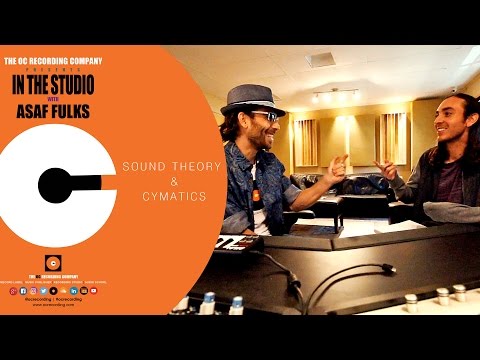 Ep 10 — Sound Theory and Cymatics
 Ep 11 — Analog vs. Digital
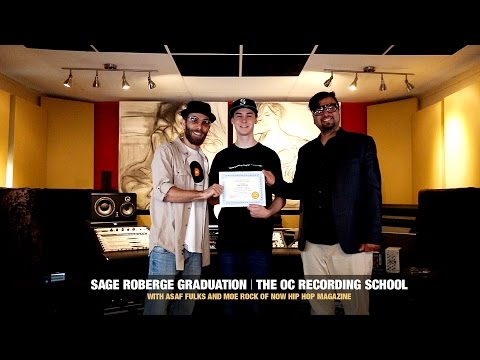 Ep 12 — Graduation ft. Moe Rock
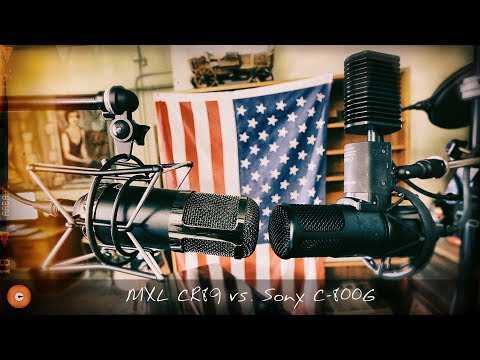 Ep 13 — Sony C-800G vs. MXL CR89 ShootoutThe full libraryEvery episode, on the channel →
You don’t just read it. You build a record.
Every chapter ends with a Studio Exercise — 22 of them. Measure your room. Build your own cable. Program a synth patch from scratch. Then from Chapter 12 on, they link into one continuous project: you record a song, produce it, edit it, mix it, master it, score it to picture, and protect it legally — the same record, carried all the way through.
- Track 1Record a vocal and one instrument
- Track 2Build the production around it
- Track 3Edit the production
- Track 4EQ your mix
- Track 5Compress your mix
- Track 6Add time-based effects
- Track 7The capstone mix
- Track 8Master the capstone
- Track 9Score to picture
- Track 10Protect the work
- Track 11AI-augmented workflow
Finish the course and you have a finished record, a certificate, and the receipts to prove you can do it again.
From your first mic placement
to your final master.
Every chapter. Every topic. No secrets.
This is the actual table of contents — 22 chapters, six parts, with what each one teaches. Chapter 1 and the Introduction are free: judge the depth yourself.
Part 1 Foundations
The bedrock every pro stands on — how sound physically behaves, the music theory behind the records you love, and what really separates analog from digital. Skip it and everything downstream is guesswork.
The Studio and Its Players
A guided tour of a working studio and everyone in it — who does what, who gets paid, and where you fit.
- What a producer actually does all day
- The engineer's four stages, tracking through mastering
- How songwriters earn from publishing
- Who else is in the room and why they are there
- How credits and royalty splits get decided
- The business side nobody warns you about
- Building a multi-disciplinary skill set
- Choosing the lane that actually fits you
Sound Theory
The physics under every decision you will ever make at a fader — frequency, harmonics, phase, and how hearing really works.
- What sound physically is and how it travels
- Reading the frequency spectrum by ear
- Fundamentals, harmonics, and why timbre differs
- White, pink, and brown noise in practice
- Decibels, power, and perceived loudness
- The inverse square law at the microphone
- ADSR envelopes and Fletcher–Munson curves
- Phase, masking, and protecting your hearing
Music Theory
Enough theory to talk to musicians and build a song — keys, chords, groove, and arrangement. No sight-reading required.
- Tempo, time signatures, and choosing a BPM
- Rhythm patterns and where groove comes from
- Notes, keys, intervals, and scales
- Chord progressions and harmonic structure
- Beyond triads: sevenths, extensions, inversions
- The circle of fifths, used practically
- Melody writing and instrumentation
- Song structure and dynamics that hold attention
Analog and Digital Sound
How sound gets into the computer and what happens to it on the way — sample rate, bit depth, file types, and the errors between.
- How analog became digital, cylinders to code
- Getting sound into the computer cleanly
- Sample rate and bit depth, settled for good
- Timing, jitter, distortion, and clocking errors
- What a DAW is actually doing under the hood
- WAV, AIFF, MP3 — what to use when
- Getting usable recordings from a phone or tablet
- Archiving and delivering the right file
Part 2 Capturing Sound: Microphones, Acoustics & Gear
Where the recording is won or lost: choosing and placing microphones, treating the room you actually work in, and the full signal chain from capsule to converter.
Microphone Basics
Every microphone type, what it is built to do, and how to read a spec sheet instead of a marketing page.
- What a microphone actually does
- Moving-coil dynamics and where they shine
- Ribbon mics, and how not to destroy one
- Condensers, capsules, and phantom power
- Every polar pattern and its real use
- Reading sensitivity, SPL limits, and self-noise
- Tubes, transistors, and preamp character
- Modeling and USB mics: the new rules
Advanced Microphone Technique
Placement is the whole game. The techniques working engineers actually use on records, and the reasons they work.
- Source first: fix the room and the performance
- Choosing the right mic for the source
- Pop filters, windscreens, and plosives
- Distance, proximity effect, and tone
- On-axis vs. off-axis placement
- The three-to-one rule and phase between mics
- XY, ORTF, spaced pair, Blumlein, mid-side
- Glyn Johns and Recorderman drum setups
Studio Acoustics and Monitoring
How to set up and treat the room you actually have — and build monitoring you can trust a mix to.
- The four goals of studio acoustics
- How sound reflects, absorbs, and diffuses
- Diagnosing room modes and flutter echo
- Room layout and the listening position
- Treating first reflections and corners
- Bass traps and controlling the low end
- Sound isolation vs. absorption
- Choosing monitors and headphones that tell the truth
Cables and Patchbays
The invisible foundation. Every cable in the studio, how to build your own, and how to kill noise at the source.
- Balanced vs. unbalanced, and why it matters
- Every connector: XLR, TRS, TS, RCA, TT
- Digital and data: AES, ADAT, S/PDIF, MADI
- Solder your own cables — strip, tin, joint
- Testing continuity before you trust a cable
- Patchbays: normalled, half-normalled, parallel
- Wiring a patchbay for your own room
- Killing hum, buzz, and ground loops
Studio Equipment
The full signal chain, box by box — consoles, preamps, compressors, converters — and what is worth buying at any budget.
- The complete studio signal flow
- Console architecture and the channel strip
- Gain staging through the entire chain
- Preamps, DI boxes, and impedance
- Outboard EQ, compressors, gates, saturation
- The 500-series format and summing
- Converters, interfaces, and monitor controllers
- Budget tiers from a bedroom rig to a pro room
Instruments and MIDI
How instruments make sound and how MIDI moves it — synthesis, samplers, controllers, and the legal side of sampling.
- Chordophones, aerophones, and electrophones
- How a synthesizer builds a sound
- Oscillators, filters, envelopes, and LFOs
- MIDI messages, channels, and routing
- Controllers, transports, and MIDI modes
- MIDI 2.0 and what actually changes
- Samplers, virtual instruments, and latency
- Sampling ethics, clearance, and the law
Part 3 Pro Tools
The DAW the industry runs on, taught from first launch to final bounce — recording, editing, comping, MIDI, and full music production, on real sessions.
Pro Tools: Introduction
Pro Tools from first launch — versions, hardware, session setup, and the two windows you will live in.
- Pro Tools versions, pricing, and what you need
- Hardware and computer requirements
- Non-destructive editing, explained
- Creating and configuring a session
- Session folder structure and file management
- The Edit and Mix windows, laid out
- Edit modes, edit tools, and the Smart Tool
- Playback engine and buffer settings that stop crashes
Pro Tools: Recording
A full tracking session, step by step, the way it runs in a real studio — from signal chain to saved template.
- Pre-production before anyone shows up
- Building the signal chain, step one
- Setting tempo, click, and session settings
- Creating tracks, labeling, and I/O setup
- Cue mixes, headphones, and talkback
- Record levels and headroom that survive the mix
- QuickPunch, TrackPunch, and loop recording
- Templates and shortcuts that save hours
Pro Tools: Music Production
Build a record from nothing — beats, virtual instruments, MIDI, arrangement, and the vocal on top.
- Where to start: genre, mood, tempo, key
- Setting up a production session
- Virtual instruments and third-party plugins
- Recording and drawing MIDI
- Quantize with swing and strength, not robots
- Step input, real-time properties, MIDI effects
- Loop-based production, sampling, beat slicing
- Arrangement, vocal production, AI-assisted tools
Pro Tools: Audio Editing
The full edit that turns raw takes into a session that is genuinely ready to mix.
- Preparing and organizing the session
- Committing MIDI to audio
- Choosing and comping the best takes
- Clip gain and setting basic levels
- Strip silence, breaths, pops, and clicks
- Fixing timing with Elastic Audio
- Sample replacement and phase alignment
- Pitch correction, fades, and mix prep
Part 4 Mixing & Processing
The tools and the taste that turn a rough multitrack into a finished, competitive mix — EQ, compression, reverb, delay, automation, and the art of balance.
Equalization
EQ with intent — what every control does, and the moves that fix a track instead of masking it.
- Every EQ control and what it actually does
- Shelves, bells, high-pass, low-pass, notch
- Parametric vs. graphic EQ
- The sweep technique for finding problems
- Subtractive vs. additive, and when each wins
- Dynamic EQ and linear-phase pre-ringing
- Mid-side EQ to widen or tighten
- Frequency reference charts for every instrument
Dynamics Processing
Compression demystified — every control, every circuit type, and when each one belongs on a track.
- Threshold, ratio, attack, release, knee
- VCA, FET, opto, and vari-mu circuits
- Multiband and serial compression
- Parallel (New York) compression
- Side-chain compression and ducking
- Limiting and brickwall protection
- Gates, expanders, and de-essers
- Saturation, harmonics, and spectral repair
Time-Based Effects
Depth, width, and scale — how reverb and delay put a sound in a room instead of drowning it.
- Depth, width, and scale in a mix
- Short delays: comb filtering, chorus, flange
- Long delays, tempo sync, and feedback
- Pre-delay, decay, and damping
- Room, hall, plate, chamber, and spring
- Convolution vs. algorithmic reverb
- Gated and reverse reverb effects
- Sends vs. inserts, routed properly
Pro Tools: Mixing
Build the mix — routing, buses, automation, and the checks that make it translate on every system.
- Building a mix template with buses
- Static balance before any processing
- Bus processing and aux groups
- Automation modes, curves, and moves
- Saturation and analog character
- Summing: analog vs. digital
- Mono checks, reference tracks, and levels
- Immersive mixing: Dolby Atmos beds and objects
Part 5 Mastering, Post-Production & Delivery
The final polish and the handoff — loudness and mastering, post-production for picture and podcast, and the delivery specs that get your record heard as intended.
Mastering
The final polish and the handoff — the chain, the loudness, and the specs each platform actually wants.
- Preparing a mix for mastering
- The mastering chain in processing order
- Mastering compression and EQ moves
- Stereo imaging and mid-side control
- Limiting, true peak, and output ceiling
- LUFS targets for every streaming platform
- Dither, bit depth, and output formats
- Red Book, DDP, and Apple Digital Masters
Pro Tools: Post-Production, Podcasts, Live Sound & Game Audio
Where the other paychecks are — cutting audio to picture in Pro Tools, plus podcasts, live sound, and game audio.
- Working with video in Pro Tools
- Timecode, frame rates, and synchronization
- Spotting, ADR, and dialogue editing
- Noise reduction and audio repair
- Surround, Dolby Atmos, and Eclipsa
- M&E mixes and delivery for picture
- Podcast production and publishing
- Live sound, and game audio in Wwise and FMOD
Part 6 The Profession & the Future
The business and the road ahead — contracts, publishing, and royalties from a working music attorney, plus a clear-eyed, no-hype look at AI from someone building it.
The Business of Audio
Written by a practicing attorney: the paperwork that decides who owns the record and who actually gets paid.
- Copyright: the composition vs. the master
- Work for hire, and when it does not hold
- Section 203 termination rights
- Split sheets, done right, every session
- Contracts to read before you sign
- Distribution, royalties, and collecting
- Sync licensing and where the money hides
- Rates, trademarks, insurance, and running a business
AI and the Future of Audio
A clear-eyed look at AI from someone building it — what it does, what it cannot, and the law racing to catch up.
- What AI actually is, and is not
- How audio models actually run
- Language models vs. generative music systems
- Voice synthesis and vocal cloning
- AI mixing, mastering, and stem separation
- What AI cannot replace
- The ethics, and the law catching up
- Provenance: watermarks, credentials, disclosure
Plus the field manuals.
The reference material working engineers keep on the desk — included, not upsold.
If it happens in a studio, it’s in here.
Learn the craft. Own the business.
Most engineers get eaten alive on the paperwork. This course won’t let you: the business chapter is written by a practicing entertainment attorney, and the appendix ships with real sample contracts and forms.
Eighteen contracts. Written by a lawyer.
Not templates scraped off the internet — drafted by a licensed California attorney who works in music, and included in full. The AI voice and likeness rider alone is worth the price of the course.
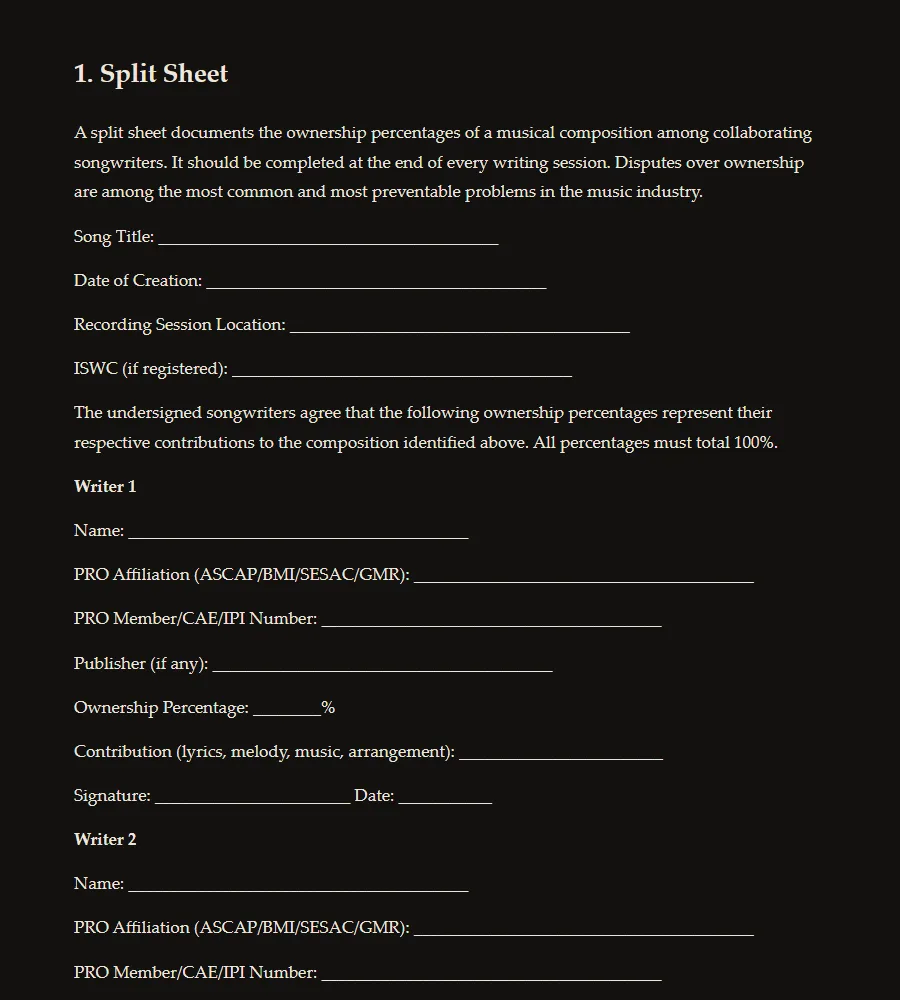
His actual sessions. Not teaching versions.
Three Pro Tools templates straight out of The OC Recording Company — the real working sessions, after twenty years of refinement, not simplified classroom mock-ups. Open one and the routing Chapters 11–20 describe is already there.
Recording & Mixing
The main tracking and mixing session — LEAD VOX and BG VOX lanes, drums, bass, percussion and instrument tracks, reverb returns (Altiverb, Seventh Heaven, plate and ambience), sixteen tempo-division delay banks, and pitch/modulation returns. The I/O labels document the real rack: API, LA-2A, 1176, Fearn, UA 610, Summit Audio, SSL Sigma and Fusion.
Beat Production
The producer variant — Battery drum cells, Kontakt banks, Jupiter-8, ARP 2600, B3, electric grand and Keyscape, sound-design instruments (Falcon, Iris, Absynth, Alchemy), MIDI lanes for hardware synths like the Moog Grandmother, plus live bass and guitar inputs.
ADR & Post
The audio-for-picture layout from Chapter 20 — dialogue lanes, background beds and objects arranged for a 7.1.2 Dolby Atmos monitoring path, and a cue-based workflow.
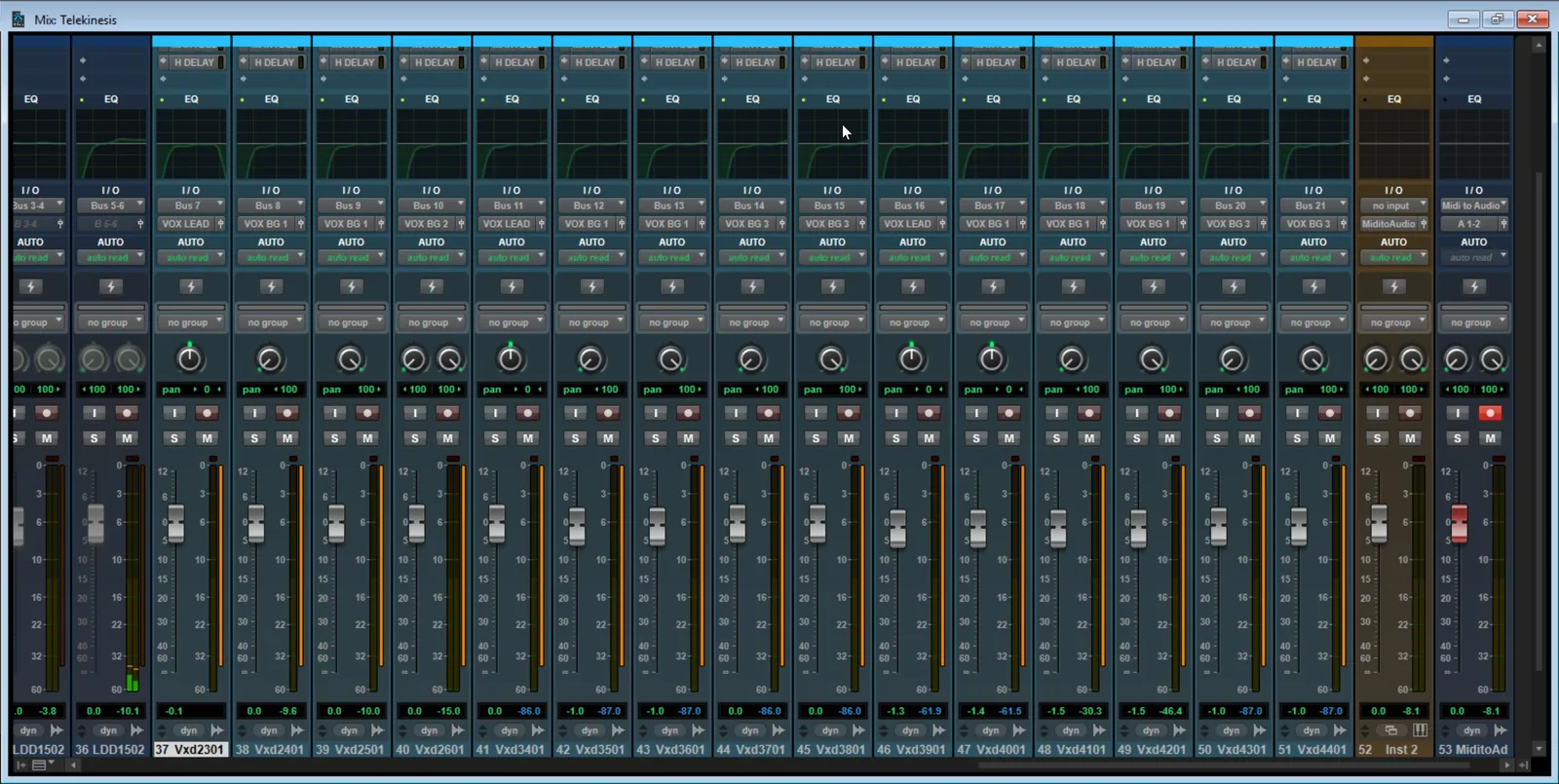
The charts you’ll actually keep open.
Appendix A is the part that ends up printed and taped to the wall — every number you stop to look up, in one place.
Prove it as you go
From Chapter 6 — Advanced Microphone Technique. Two mics are picking up the same source. What does the three-to-one rule say?
-
Separating the mics by at least 3× the mic-to-source distance keeps the delayed arrival quiet enough to avoid comb filtering when the tracks are summed. Get it wrong and no EQ will fix the hollow sound — the fix is always physical.
You’ll answer 334 of these — graded instantly, reasoning shown — plus a final exam of 89 questions for your certificate.
Students of this curriculum went pro.
Produced for Interscope
“Thank you to my teacher and mentor Asaf Fulks and everybody at The OC Recording — they have really enabled me to take my music to the next level and help me progress as an artist. I have already seen tremendous progression in my writing, production and engineering. IN THE STUDIO is the place to be!”
Millions of streams
“I learned so much more here at such a faster pace than I ever thought possible. I wouldn’t be lying if I told you that The OC Recording Company changed my life.”
Sound dept at Blizzard
“The textbook is straight to the point. I couldn’t have been happier with the results from the program and my audio career is on track to take off.”
Zero to certified
“I knew NOTHING about music production but after our classes, I uploaded my first song. Asaf is all that PLUS a good teacher.”
The real thing
“You can not get this type of learning experience out of any Youtube Video, Book or Class.”
Working in the field
“Working in the studio with Asaf has been a priceless experience. Now, I’m working in the field & it’s a dream come true!”
Finish with proof.
Pass the final exam and this is yours — printable, shareable, signed by the author.
Certificate of Completion
Your Name Here
has completed In the Studio — Audio Engineering & Music Production Techniques
Asaf Fulks · The OC Recording Company
Everything you get for $99.
- All 22 chapters — the complete 858-page text
- Graded practice quizzes through every chapter
- The comprehensive final exam — 89 graded questions
- Certificate of completion, signed by the author
- The full “Moments Unaware” multitrack session (~3 GB)
- Three Pro Tools templates with the routing built
- The OC Recording impulse-response pack
- The IN THE STUDIO video episode library
- “Across the DAWs” guides — Logic, Live, FL, Studio One, Reaper
- Real sample contracts & forms (Appendix B)
- Career roadmap, troubleshooting guide & twenty common studio mistakes
- Lifetime access on any device — one payment, no subscription
- Student rate on StemDesk — 50% off Studio or Pro
Most audio-education subscriptions cost more than this every single year. This is $99. Once. Forever.
$99 · lifetime access
Already enrolled? Sign in
Not sure yet? Read Chapter 1 and the Introduction free.
Also from Asaf — live now
Then mix with AI. StemDesk.
“From a single stereo file to a full mix session.” Stem separation and a complete mix through real VST3 processing — plus 17 professional plugins for Pro Tools and every major DAW. Free tier available.
Get StemDesk →Want to go all the way? Study with Asaf.
The in-person certificate program this book grew out of — one-on-one with the author, in the studio or online.
One course.
The whole craft.
Want it on paper?
The print edition is in preparation. First to know, nothing else, ever.
Questions, answered.
What exactly do I get?
The complete 22-chapter curriculum — the full text of the 858-page book — plus graded practice quizzes, the comprehensive final exam, a certificate of completion, and the companion downloads: the full multitrack practice session, three Pro Tools templates, and the impulse-response pack.
How long do I have access?
For life. One payment, no subscription. Sign back in anytime, on any device, with just your email.
Do I need Pro Tools?
Pro Tools is the reference DAW, taught from first launch onward. Every workflow chapter also includes an “Across the DAWs” sidebar translating the lesson to Logic Pro, Ableton Live, FL Studio, Studio One, and Reaper — and there’s a dedicated guide to completing every exercise in any DAW.
Do I need expensive gear?
No. A computer and a pair of headphones are enough to start. The book teaches you what gear does and when it matters — there’s a whole guide on how to buy gear so that when you do spend, you spend once.
What is the certificate?
Pass the final exam and you earn a certificate of completion from The OC Recording Company, signed by the author. It is a course credential, separate from the in-person certificate program at The OC Recording School — if you want that, enroll at the school.
What is your refund policy?
Every enrollment is covered by a 14-day money-back guarantee. If the course isn’t for you, email [email protected] within 14 days of purchase and we’ll refund you in full — no questions asked. Refunded purchases lose course access, and any certificate issued under a refunded purchase is void.
Is there a print edition?
It’s in preparation. Join the list below and you’ll be first to know when it ships.
Start tonight.
$99 · lifetime access
Already enrolled? Sign in
Not sure yet? Read Chapter 1 and the Introduction free.